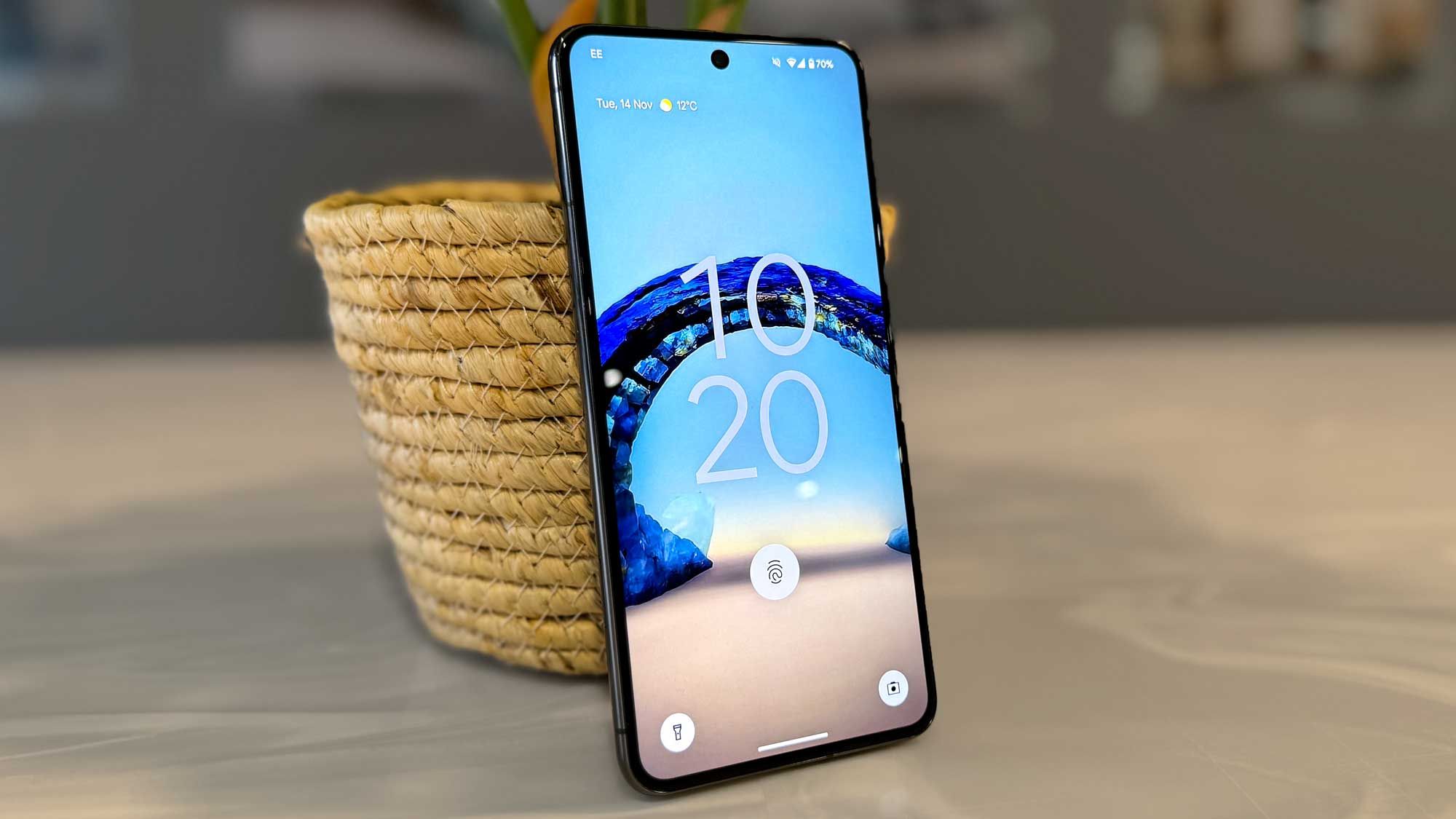
Your Android phone can do a lot more than you think. While most users in Nigeria only scratch the surface, Android devices come packed with powerful tools that make life easier, faster, and even safer. If you love exploring tech tips like this, visit our How-To Guides section for more smart tricks.
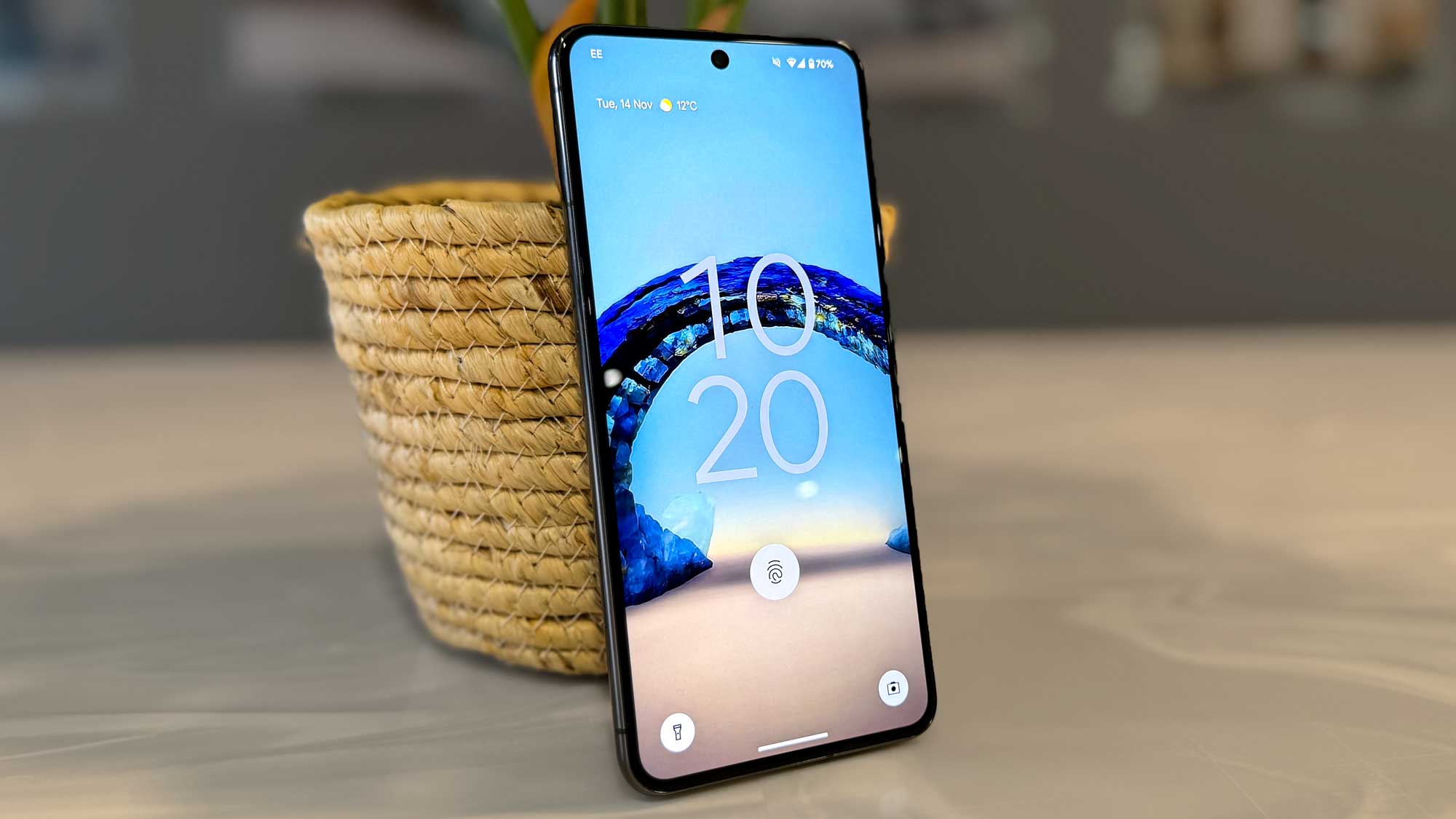
Whether you’re using a budget Tecno, Infinix, or a high-end Samsung, here are 7 underrated Android features you should start using today.
1. Digital Wellbeing & App Timers
Tired of spending hours on TikTok or Instagram? Use Digital Wellbeing to set limits on how long you use certain apps. You’ll be shocked how much time you save daily. For more productivity hacks, check out Make Money Online — it’s filled with digital lifestyle tips for Nigerians.
Where to find it: Settings → Digital Wellbeing & Parental Controls
2. Screen Pinning for Privacy
Sharing your phone with someone? Screen pinning locks them to one app so they don’t snoop through your messages or photos. This is especially helpful when letting a child use your device — something many Nigerian parents experience daily.
Settings → Security → Screen Pinning
3. Battery Saver + Adaptive Battery
Nigeria’s power supply isn’t always stable. Use Adaptive Battery to reduce background activity and make your phone last longer on one charge. You can also explore other battery-friendly apps reviewed in our App & Product Reviews category.
Settings → Battery → Adaptive Preferences
4. Nearby Share (Android’s Airdrop)
Need to send a large video or file without WhatsApp compressing it? Nearby Share lets you send files directly to another Android phone quickly—even without internet. Google’s official Nearby Share guide also provides additional setup help.
Settings → Google → Devices & Sharing → Nearby Share
5. Smart Lock (Trusted Places & Devices)
Tired of typing your phone’s PIN every 30 seconds? Set your phone to unlock automatically when it’s with you or near your smartwatch. Learn more about daily phone security in our Nigerian Life category — it’s full of everyday tech and safety insights.
Settings → Security → Smart Lock
6. One-Handed Mode
Perfect for large screens. Use one-handed mode to pull the screen down and make navigation easier—especially while on the go or commuting in Lagos traffic.
Settings → System → Gestures → One-Handed Mode
7. Split-Screen Multitasking
Why choose between watching YouTube and replying on WhatsApp? Use split-screen to run two apps at once. It’s a time-saver, especially for students, freelancers, and anyone multitasking between work and chats.
Open app → Tap recent apps → Hold app icon → Select Split Screen
Final Thoughts:
Your Android phone is more than just a tool for calls and social media. With these hidden features, you can increase productivity, improve battery life, and protect your privacy—especially in Nigeria where smartphones are lifelines for work, school, and daily life.
Stay informed with more smart guides on Infolandia How-To Guides or explore the Jobs section for the latest opportunities across Nigeria.