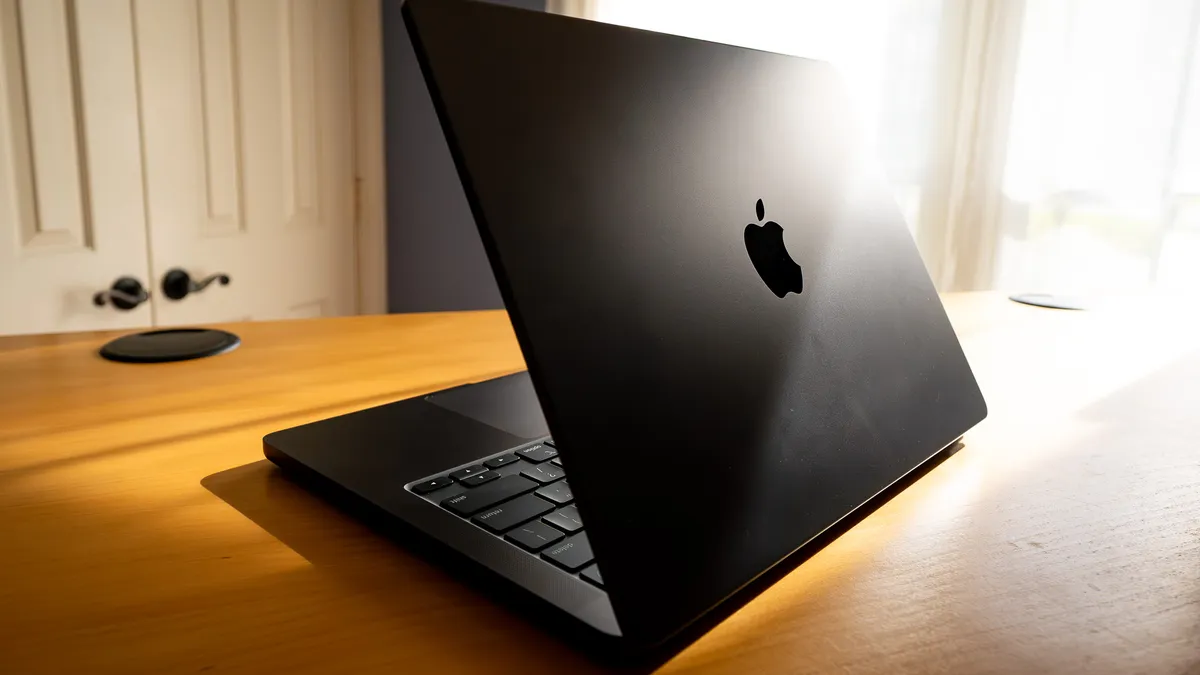
Apple’s MacBook Pro M3 represents the next evolution of Apple-silicon laptops, combining power, efficiency, and battery life in a premium mobile workstation. Whether you’re a student, creative, professional, or programmer, the M3 lineup aims to deliver performance that rivals many Windows competitors. This review breaks down everything you need to know before buying in 2026.
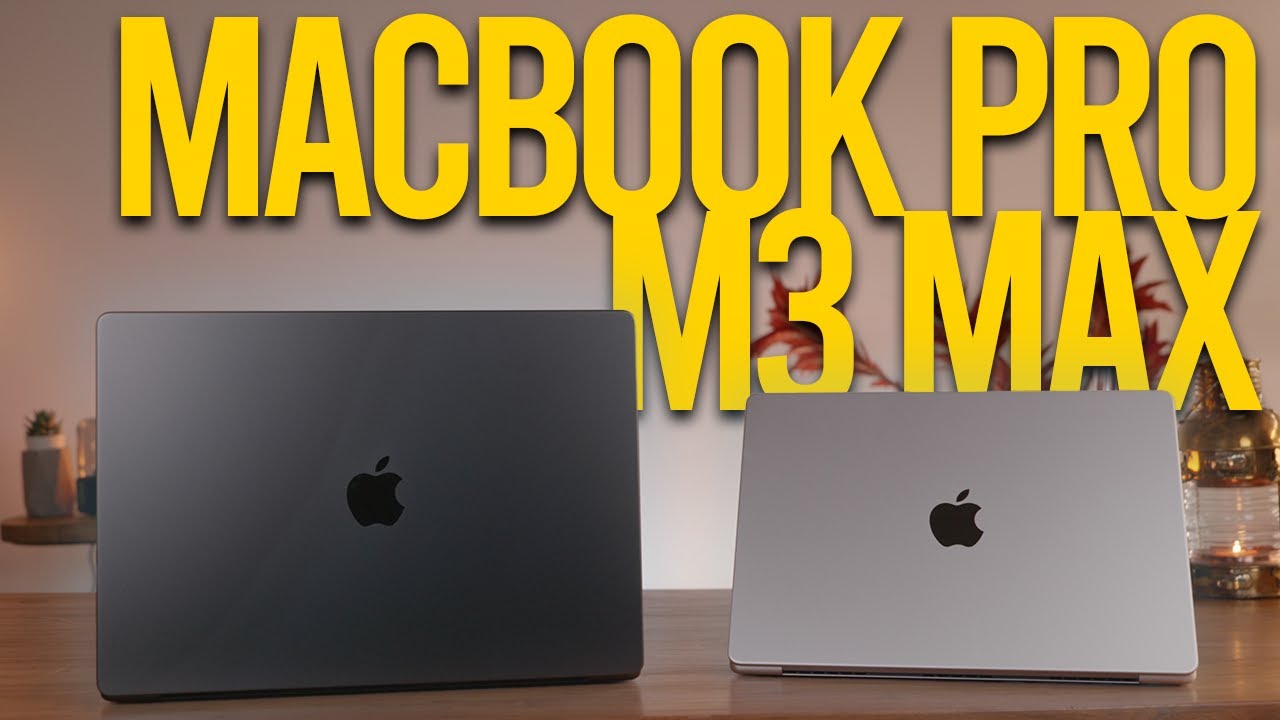
What’s New With the MacBook Pro M3
The MacBook Pro models introduced with the Apple M3 chip feature:
A 14.2-inch Liquid Retina XDR display with bright HDR and wide color support.
Up to 22 hours battery life on certain workloads.
Apple’s 3-nanometer M3 chip with an 8-core CPU and 10-core GPU.
Enhanced media engines and a 16-core Neural Engine for AI and multimedia tasks.
A robust port selection including Thunderbolt 4, HDMI, SDXC, MagSafe, and headphone jack.
These improvements make the M3 Pro models suitable from everyday productivity to more demanding workflows.

Specs Overview
Apple M3 (base MacBook Pro)
CPU: 8-core (performance + efficiency)
GPU: 10-core
Unified memory: up to 24GB
Storage: 512GB up to 2TB SSD
Display: 14.2″ Liquid Retina XDR
Battery: Up to ~22 hours mixed use
macOS ecosystem with Apple Intelligence support
This configuration is ideal for most users who want professional features without extreme power.
Performance: Real World Use
Reviews have shown that the M3 MacBook Pro delivers solid performance across many real-world tasks:
General productivity (web, documents, spreadsheets): consistently fast, with snappy app switching and responsiveness.
Photo editing & light video tasks: handles workflows smoothly due to a powerful GPU and SSD speed improvements (~3,000 MB/s).
Programming and development: Compiles code quickly and manages multiple IDE tabs without lag.
Battery life: Excellent battery endurance that usually lasts a full workday with mixed tasks.
However, users who expect extreme workloads like heavy 3D rendering and large AI models will benefit more from the M3 Pro or M3 Max variants, which boost GPU cores and memory support significantly.
Benchmarks & SSD Performance
Independent reviews report:
Better SSD performance compared to older MacBook models (faster write/read).
Benchmarks show notable improvements over M2, especially in single-core tasks.
The storage speed and unified memory architecture help make workflows feel more fluid, especially when working with larger files.
Display, Design & Build
The MacBook Pro M3 continues Apple’s focus on premium hardware:
Liquid Retina XDR: High contrast, excellent color accuracy, and brightness for HDR content.
Keyboard & trackpad: Comfortable and responsive for long typing sessions or creative work.
Port selection: SD card slot, Thunderbolt 4, HDMI, and MagSafe make it versatile without dongles.
It shares the refined aluminum design and durability Apple is known for.
Pros and Cons
Pros
Outstanding battery life and performance for its class.
Excellent display for creative and media work.
Efficient chip architecture that keeps fans quiet.
macOS ecosystem integrates seamlessly with other Apple devices and services.
Cons
Base M3 with minimal RAM (8GB) can feel limited for heavier creative tasks (many users recommend at least 16GB).
Expensive compared to many Windows laptops with similar specs.
For ultra-intensive workloads, M3 Pro or M3 Max is significantly better.
Who Should Buy the MacBook Pro M3?
Students & Everyday Users
Great for schoolwork, office apps, browsing, and light creative work. It’s powerful enough without being overkill.
Business Professionals
Excellent choice for productivity, remote work, presentations, and multitasking. Internal linking to laptops review: consider also other premium models like the HP EliteBook series review as alternatives.
Programmers & Creatives
Strong performance for coding, photography, and moderate video editing. If your work involves heavy rendering or 3D tasks, consider MacBook Pro with M3 Pro or M3 Max for extra cores and memory.
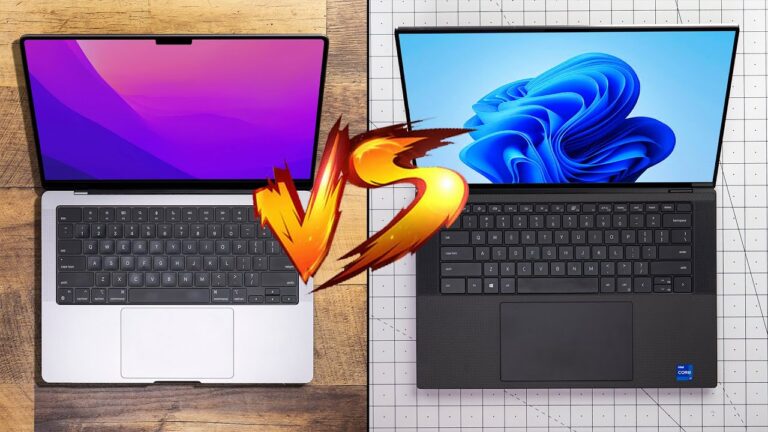
Comparison: M3 vs M3 Pro/M3 Max
The base M3 chip is very capable but lower on memory and GPU power compared to the M3 Pro and M3 Max options — which are significantly faster for creative workflows. Benchmarks show noticeable GPU differences, with Pro variants showing ~40% better graphics performance.
If you already own an older MacBook with M1 or M2, M3 brings a meaningful upgrade in speed and efficiency — especially in day-to-day and creative workloads.
Pricing & Value (Nigeria)
In Nigeria, prices may vary depending on retailer and configuration. For example, a 14″ MacBook Pro with M3 can cost around ₦3,600,000 – ₦3,900,000 depending on RAM and storage options.
This places it in the premium segment, making it important to assess whether you truly need the power or if a cheaper alternative (like MacBook Air with M3 or even premium Windows laptops) might suffice. Related comparison: check our budget vs premium laptop guide.
Authority Outbound Resources
For official specs and updates:
Apple MacBook Pro (M3) support & tech specs: https://support.apple.com/en-ng/117735
Apple newsroom announcement: https://www.apple.com/ng/newsroom/2023/10/apple-unveils-new-macbook-pro-featuring-m3-chips/
Benchmark & review resources:
Tom’s Guide review of M3 MacBook Pro — https://www.tomsguide.com/
Macworld performance comparisons — https://www.macworld.com/
Conclusion
The MacBook Pro M3 is one of the most well-rounded laptops in Apple’s lineup for 2026 — blending performance, battery life, and a high-quality display for most users’ needs. It’s especially strong for students, business professionals, and creative workflows. However, if your work involves heavy 3D rendering, AI model training, or large creative suites, the M3 Pro or M3 Max versions offer a better investment.