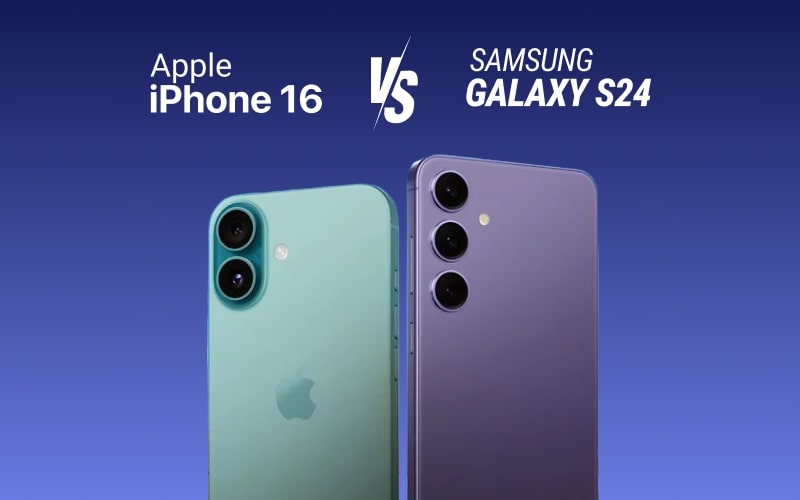
In Nigeria, formatting a phone is often the quickest solution to fix lagging, freezing, or stubborn software issues. Whether you are using an Android or an iPhone, the process wipes all your data and restores the phone to its factory settings. This means your phone will feel new again, but it also means you need to back up your files first. For more useful mobile tips, visit our How-To Guides section.

In this guide, you will learn how to format your phone safely, why you might need to do it, and the precautions to take. You can also read about useful apps that make backups easier on our App & Product Reviews page.
Why You Might Need to Format Your Phone
Formatting is not just about clearing space. In fact, it solves a variety of problems, such as:
- Removing viruses and malware
- Fixing software glitches
- Speeding up a slow phone
- Preparing the phone for sale or gifting
- Removing stubborn apps
Before you start, remember: Formatting deletes everything — your contacts, photos, videos, apps, and saved passwords. Therefore, always back up your important files. If you’re formatting before selling, you might want to check out Infolandia Jobs for online phone resale opportunities or part-time tech gigs.
Step 1: Back Up Your Data
To avoid losing valuable information, you must back up your phone properly. Cloud storage and offline backups are both essential for safety.
- On Android: Go to Settings > System > Backup and turn on Google Backup. You can also copy files to an SD card or computer. For more detailed Android tricks, see our Nigerian Life section.
- On iPhone: Go to Settings > [Your Name] > iCloud > iCloud Backup and tap Back Up Now.
This step ensures that after formatting, you can easily restore your files.
Step 2: Ensure Your Phone Is Charged
Formatting can take several minutes. If your phone goes off during the process, it might cause software corruption. Therefore, charge your phone to at least 70% before starting. You can learn more about extending battery life in our Make Money Online section, where we share phone-saving tips for freelancers and remote workers.
Step 3: Format Your Android Phone
For most Android devices:
- Go to Settings.
- Tap System or General Management.
- Select Reset or Factory Data Reset.
- Confirm your choice and enter your PIN or password.
- Tap Erase Everything.
After this, your phone will restart and feel brand new. You can read related tips on mobile performance at Android Authority.
Step 4: Format Your iPhone
For iPhone users:
- Go to Settings.
- Tap General.
- Scroll down and select Transfer or Reset iPhone.
- Tap Erase All Content and Settings.
- Enter your Apple ID password to confirm.
The process will take a few minutes, after which your iPhone will restart. If your phone stores business apps or files, ensure you’ve synced your work data — our App Review section covers great cloud storage apps.
Extra Tip: Formatting Without Settings Menu
Sometimes, your phone may freeze to the point that you cannot access the settings menu. In that case:
- On Android: Turn off the phone. Hold Power + Volume Up until the recovery menu appears. Then select Wipe Data/Factory Reset.
- On iPhone: Use iTunes or Finder on a computer to restore your phone. You can follow the full Apple guide on Apple Support.
Conclusion
Formatting your phone can fix major problems and improve performance. However, you must always back up your data and ensure your device is well charged before starting. With these simple steps, you can give your phone a fresh start and keep it running smoothly. For more smart tech tutorials and Nigerian lifestyle tips, visit Infolandia.