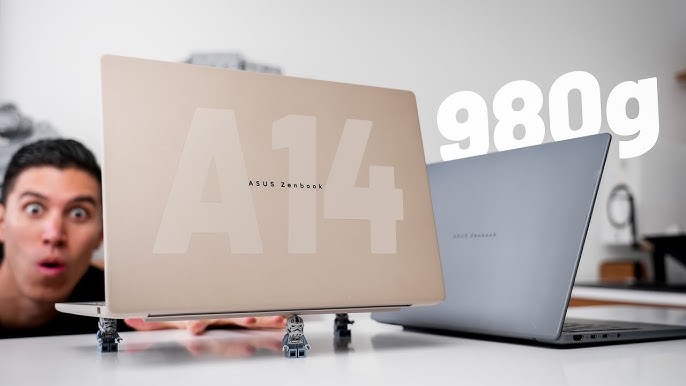
The ASUS Zenbook A14 has earned recognition as a premium ultra-thin laptop that balances performance, portability, and battery life. Designed for students, professionals, creatives, and frequent travelers, this notebook seeks to deliver strong performance without compromising on mobility.
In this review, we break down the key specs, display quality, performance benchmarks, battery endurance, design features, and overall value, helping you decide if the ASUS Zenbook A14 is worth buying in 2026.
Overview: What Is the ASUS Zenbook A14?
Rather than chasing bulky workstation territory, ASUS built the Zenbook A14 as a sleek, lightweight machine. Consequently, it appeals to users who want everyday computing power in a compact package. With thin bezels and a premium design, this laptop competes well with other ultraportables like the Lenovo ThinkPad X1 Carbon and Dell XPS 13.
For ideas on how to choose the right laptop based on your needs, check this guide:
https://www.infolandia.com.ng/best-laptop-buying-guide/
Design and Build
At first glance, the ASUS Zenbook A14 impresses with its minimalist aesthetic. The metallic finish feels premium, while the overall form factor remains slim and easy to carry. Because it’s lightweight, daily commuting and travel are less burdensome.
In addition, the laptop offers stable hinges and a comfortable keyboard, making long typing sessions more pleasant. The robust build quality ensures durability without adding extra weight.
For broader insights on laptop build quality and durability considerations, see:
https://www.infolandia.com.ng/laptop-maintenance-and-care-tips/
Display Quality
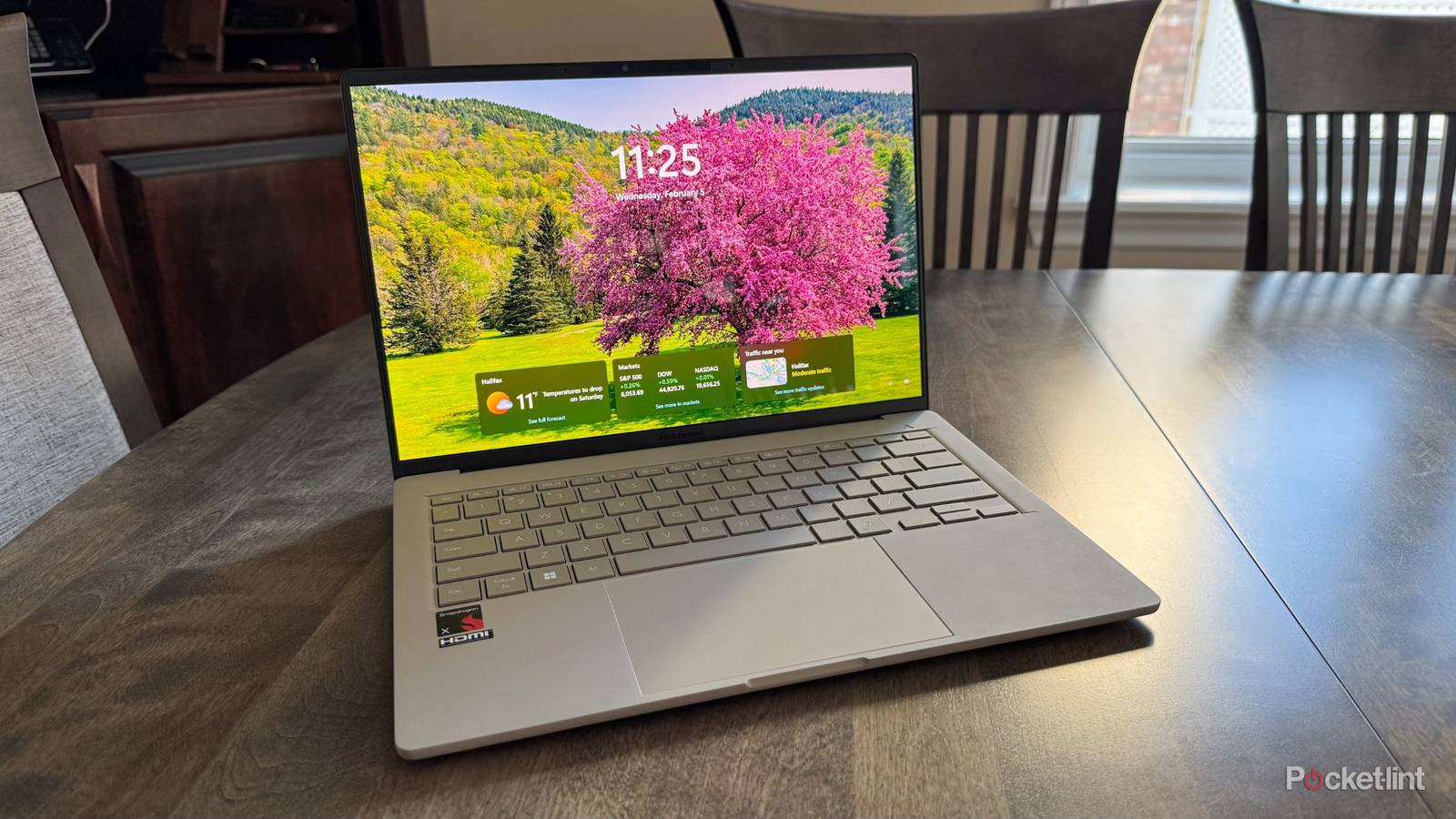
The Zenbook A14 typically comes with a 14-inch Full HD (1920×1080) display that balances clarity and power efficiency. Moreover, its near-edge-to-edge screen maximizes visuals in a compact footprint.
Furthermore, accurate color reproduction and wide viewing angles make it suitable for content consumption and creative tasks such as photo editing.
For more on display technologies and what they mean for everyday use, visit DisplayMate:
https://www.displaymate.com
Performance: Everyday Use and Productivity
Under the hood, the ASUS Zenbook A14 is powered by modern processors such as AMD Ryzen or Intel Core series chips (depending on the model variant). Consequently, users enjoy smooth multitasking, web browsing, document editing, and moderate creative work.
Additionally, fast NVMe SSD storage contributes to quick boot times and rapid file access. Whether you’re editing spreadsheets, working on presentations, or collaborating on cloud documents, performance generally feels responsive.
If you want to compare laptop performance benchmarks across models, refer to Notebookcheck:
https://www.notebookcheck.net
RAM and Storage Options
ASUS offers multiple configurations of the Zenbook A14, typically with 8GB or 16GB of RAM and 256GB to 1TB of SSD storage. Therefore, you can pick a version that fits your productivity and storage needs.
Higher RAM options benefit users who frequently switch between multiple apps or work with large files. Meanwhile, generous storage space ensures you don’t run out of room for software, documents, and media. Some models also support SSD upgrades.
Keyboard, Touchpad, and User Comfort
The keyboard on the Zenbook A14 delivers a comfortable typing experience with good key travel. Meanwhile, the large touchpad remains responsive and accurate, improving everyday usability.
Transitioning between work and entertainment feels effortless, thanks to the responsive input and intuitive layout.
Battery Life: Work All Day, Longer
One of the strengths of the ASUS Zenbook A14 is its strong battery endurance. In many real-world tests, the laptop manages full workdays on a single charge — a key advantage for students and professionals on the go.
Moreover, fast charging support helps reduce downtime, keeping you productive even with tight schedules.
For broader tips on maximizing laptop battery life, see this power-saving guide:
https://www.infolandia.com.ng/how-to-save-laptop-battery-life-ultimate-guide/
Connectivity and Extras
In terms of ports, the Zenbook A14 usually includes USB-C, USB-A, HDMI, and audio jack options — catering to both modern accessories and legacy devices.
Additionally, Wi-Fi 6 support ensures faster wireless connections compared with older standards. For remote work, online streaming, and cloud collaboration, these connectivity upgrades truly matter.
For networking tips and home setup advice, see:
https://www.infolandia.com.ng/home-office-setup-guide/
Price and Value
The ASUS Zenbook A14 sits in the mid to premium price segment, reflecting its build quality and balanced performance. That said, many users find the investment worthwhile due to its lightweight design, battery life, and everyday performance.
To explore current prices and deals, you can visit:
You can also compare listings on trusted Nigerian marketplaces such as:
Pros and Cons
Pros
-
Premium, lightweight design
-
Strong battery life
-
Responsive performance for productivity
-
Comfortable keyboard and large touchpad
Cons
-
Not designed for heavy gaming or ultra-high-end creative workflows
-
Display is good, but not OLED level
-
Higher price than basic laptops
Who Is the ASUS Zenbook A14 For?
Ultimately, this laptop is ideal for:
-
Students needing mobility and reliability
-
Professionals and remote workers
-
Everyday users focused on productivity and entertainment
-
Creatives who require strong performance for lightweight editing and design
However, heavy gamers or video professionals may prefer machines with dedicated high-end graphics cards.
Final Verdict: Worth It in 2025?
In conclusion, the ASUS Zenbook A14 provides an excellent balance of performance, battery life, and portability. Because it suits everyday computing and productivity tasks well, it remains a competitive choice in 2025.
Therefore, if you want a laptop that combines sleek design with solid performance for work and learning, the Zenbook A14 should be on your shortlist.
For more tech reviews and buying advice, explore:
Nice specs. I’ve been a fan of Lenovo and HP. I’ll try Asus soon.