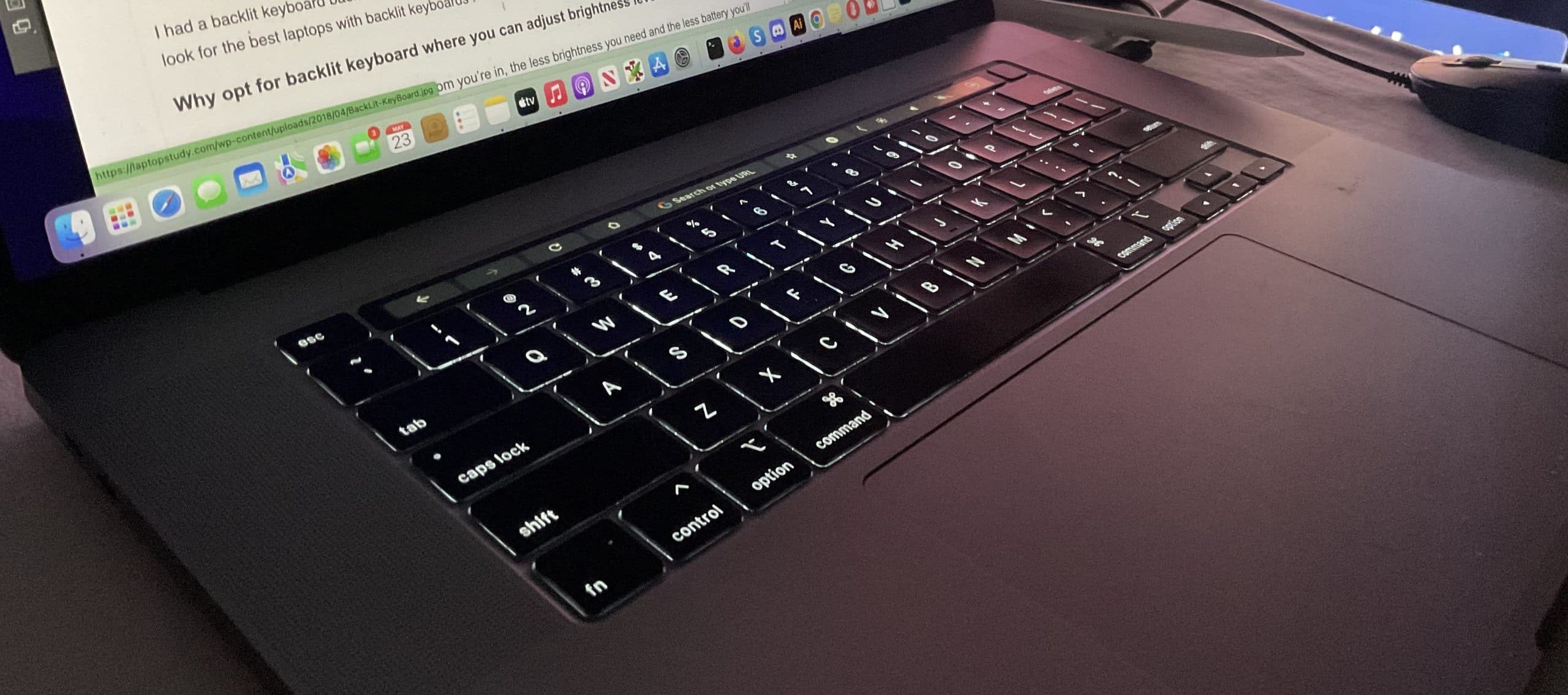
Keyboard backlit laptops are popular, especially among night users. However, they are not the only good option available in 2026. In fact, many users can work comfortably without keyboard lighting by choosing smarter alternatives that focus on performance, battery life, and affordability.
In this guide, you will discover the best alternatives to keyboard light laptops, who they are best for, and how to choose the right one without sacrificing productivity.
Why Some Users Don’t Need Keyboard Light Laptops
Although keyboard lighting looks attractive, it is not essential for everyone. For instance, users who work in well-lit rooms rarely benefit from it. Similarly, students and office workers who type mostly during the day can easily do without this feature.
Moreover, laptops without keyboard lighting are often cheaper. Because of this, they usually offer better value for money when performance is the priority.
According to Microsoft’s Windows hardware guidelines, overall comfort also depends on display quality, responsiveness, and system stability — not just keyboard features:
https://www.microsoft.com/windows/windows-11-specifications
Best Alternatives to Keyboard Light Laptops in 2026
Instead of focusing on keyboard lighting, it is smarter to choose a device that matches how you actually work. Below are reliable alternatives that perform excellently without backlit keyboards.
1. Performance-Focused Budget Laptops
Some laptops skip keyboard lighting but deliver strong performance at lower prices.
Acer Aspire 5
The Acer Aspire 5 is a solid example. It offers:
Intel Core i5 or AMD Ryzen 5 processors
8GB RAM and SSD storage
Large Full HD display
As a result, it performs well for office work, browsing, writing, and light content creation.
Official Acer specifications are available here:
https://www.acer.com/worldwide/
2. Long-Battery Laptops for Students
If battery life matters more than aesthetics, this category is ideal.
Lenovo IdeaPad Series
Lenovo IdeaPad laptops are known for efficiency. In many cases, they last longer on battery than backlit models.
Key benefits include:
Lightweight design
Reliable performance
Lower cost
Lenovo official lineup:
https://www.lenovo.com/ideapad-series
You can also compare Nigerian-friendly options here:
👉 https://www.infolandia.com.ng/best-windows-laptops-under-%e2%82%a6250000-in-nigeria-2025/
3. Chromebooks as Budget Alternatives
For users who mainly work online, Chromebooks are practical substitutes.
Instead of Windows, they run ChromeOS, which is lightweight and secure. Consequently, they deliver long battery life and fast boot times.
Popular models include:
HP Chromebook 14
Lenovo Chromebook Flex
ASUS Chromebook series
Official Chromebook information:
https://www.google.com/chromebook/
4. Tablets With Keyboard Attachments
In recent years, tablets have become powerful enough to replace laptops for many users.
For example:
Apple iPad (9th or 10th Gen)
Samsung Galaxy Tab S7 FE
Microsoft Surface Go
When paired with an external keyboard, these devices handle typing, browsing, and editing smoothly.
Apple iPad specifications:
https://www.apple.com/ipad/
5. Refurbished Premium Laptops (Smart Choice)
Instead of buying a new budget laptop, many Nigerians now choose refurbished premium models.
These devices offer:
Better build quality
Stronger processors
Longer lifespan
Examples include:
HP EliteBook G5–G7 series
Dell Latitude business laptops
Older MacBook Pro models
See a trusted EliteBook review here:
👉 https://www.infolandia.com.ng/hp-elitebook-840-g6-review/
What to Prioritize Instead of Keyboard Lighting
When skipping keyboard lighting, it is important to focus on the features that truly affect performance.
Processor
Choose Intel Core i5 or AMD Ryzen 5 and above. Official processor information can be verified here:
https://www.intel.com/processors
https://www.amd.com/en/processors/ryzen-mobile
RAM and Storage
Minimum of 8GB RAM
SSD storage only (256GB or more)
Without these, performance will suffer regardless of keyboard features.
Display Quality
A Full HD screen with anti-glare coating improves comfort, especially during long sessions.
Accessories That Replace Keyboard Lighting
If you occasionally work at night, accessories can solve the problem cheaply.
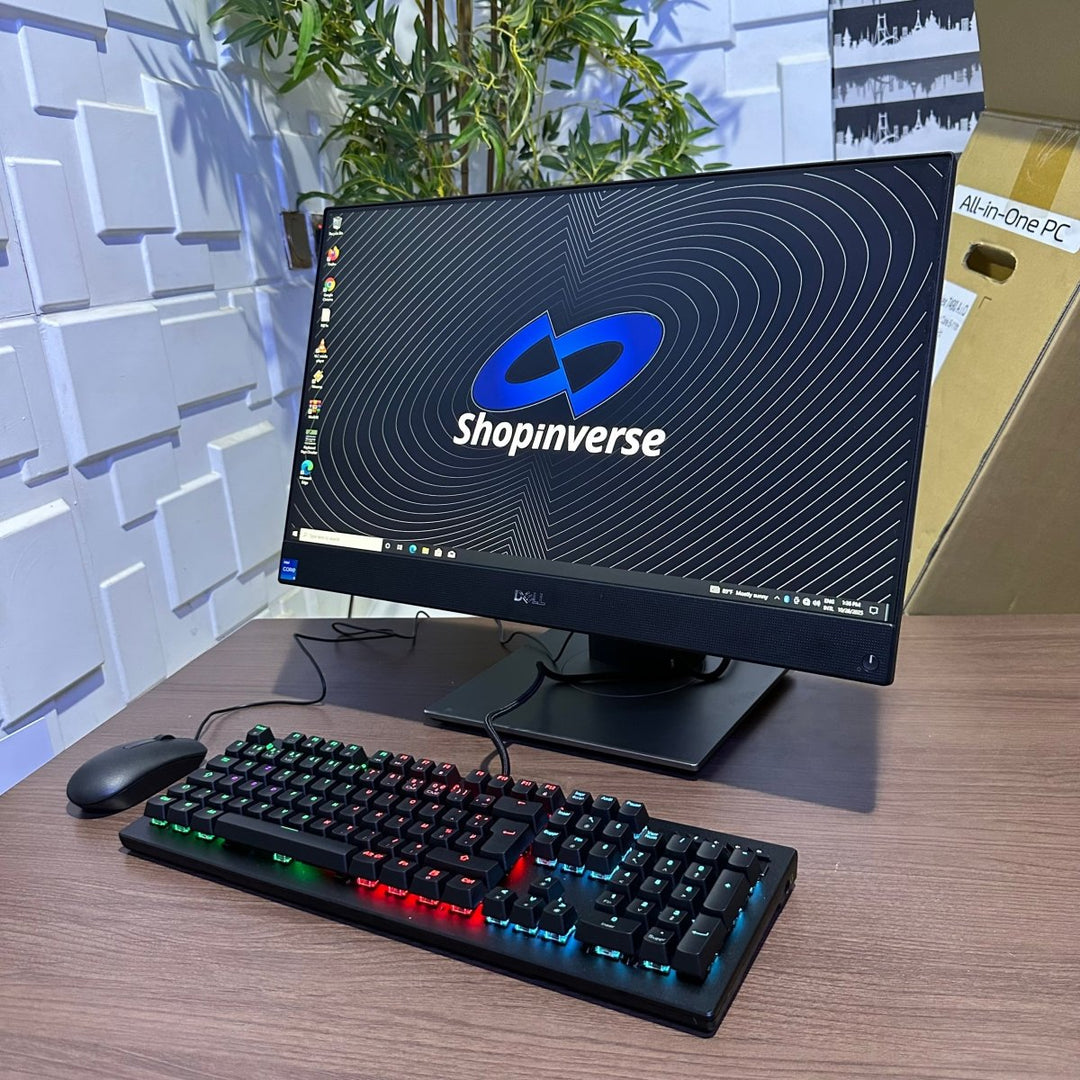
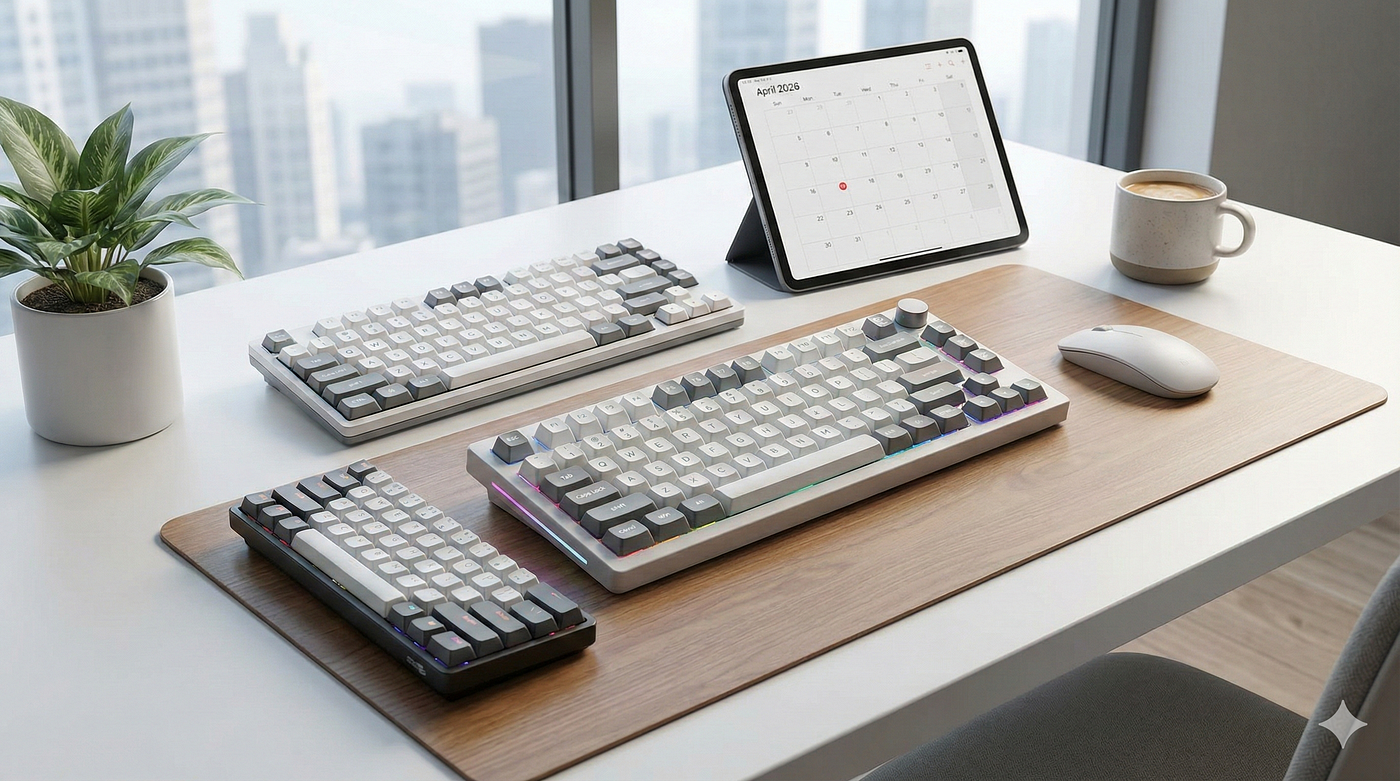
For example, a backlit external keyboard allows you to type comfortably in low light without paying extra for a premium laptop.
You can explore accessories and laptop listings here:
👉 https://shopinverse.com?sca_ref=10136673.n6CCLMI8Whb
👉 https://shopinverse.com/10136673
Common Mistakes to Avoid
Many buyers make avoidable errors. For instance, some choose very cheap laptops with outdated specs. Others ignore SSD storage entirely.
To avoid regret:
Do not buy 4GB RAM laptops
Avoid HDD storage
Always check battery health
If your laptop storage fails, read this guide:
👉 https://www.infolandia.com.ng/what-to-do-when-your-laptop-hdd-gets-a-problem/
Trusted Buyer Resources
For verified standards and official guidance:
Microsoft Windows documentation: https://www.microsoft.com/windows
Intel processor information: https://www.intel.com
Chromebook platform overview: https://www.google.com/chromebook/
Lenovo laptop lineup: https://www.lenovo.com
These sources strengthen trust and buying confidence.
Final Verdict
In conclusion, keyboard lighting is optional — not essential. Instead, performance, battery life, display quality, and price should guide your decision in 2026.
Whether you choose a budget Windows laptop, a Chromebook, a tablet with keyboard, or a refurbished premium machine, there are excellent alternatives that deliver real value.
For more tech reviews, buying guides, and Nigerian-focused insights, visit:
👉 https://www.infolandia.com.ng/category/app-product-reviews/
👉 https://www.infolandia.com.ng/category/how-to-guides/
👉 https://www.infolandia.com.ng/category/make-money-online/