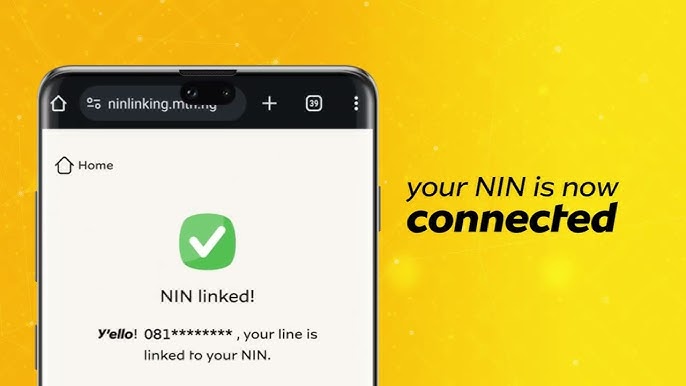
In Nigeria, every mobile user must connect their National Identification Number (NIN) to their SIM card. MTN subscribers who ignore this requirement risk having their lines blocked. Fortunately, the process is simple. In this article, I’ll show you four easy methods to link and verify your NIN on MTN in 2025.
1. Why You Should Link Your NIN to MTN
Before we get into the steps, let’s look at why this is important:
-
It prevents your MTN line from disconnection.
-
It keeps your SIM card legally registered.
-
It ensures smooth access to services like banking and mobile data.
-
It helps you stay compliant with NCC rules.
Clearly, linking your NIN is not just a requirement — it’s a necessity.
2. Four Easy Ways to Link and Verify Your NIN
You can choose any of these four methods depending on what works best for you.
A. Link via USSD Code
To use USSD:
-
Dial *785# on your MTN phone.
-
Enter your 11-digit NIN when prompted.
-
Confirm and submit.
Soon after, you will receive a success notification.
B. Link via SMS
If you prefer SMS:
-
Open your messaging app.
-
Type your 11-digit NIN and send it to 785.
-
Wait for MTN to confirm your request.
C. Link via the MTN App (MyMTN NG)
For app users:
-
Download the MyMTN NG App from Google Play or App Store.
-
Sign in with your MTN number.
-
Tap on NIN Section → Link NIN.
-
Enter your NIN and confirm.
The app will show you once it goes through.D. Link via the MTN Online Portal
For an online approach:
-
Go to https://nin.mtn.ng.
-
Enter your phone number and NIN.
-
Submit the form.
-
Follow the instructions until you see confirmation.
3. How to Confirm if Your NIN is Linked
After linking, you need to verify. Here are quick ways to check:
-
Dial *346# and follow the menu.
-
Open the MyMTN NG App to confirm under the NIN section.
-
Call MTN customer care (300) for assistance.
4. Common Problems and Quick Fixes
Sometimes, errors occur. However, each issue has a simple fix:
-
Invalid NIN Error → Re-check your NIN digits before resubmitting.
-
No Confirmation SMS → Retry later or switch to another method.
-
Already Blocked Line → Visit an MTN service center with your NIN slip.
-
Multiple SIMs → Repeat the process for each MTN number you use.
Conclusion
Linking your NIN on MTN doesn’t have to be stressful. With USSD, SMS, the MTN app, or the MTN online portal, you have several options. Therefore, don’t wait until MTN blocks your line — act today. By completing this process now, you secure your number and enjoy uninterrupted service in 2025.