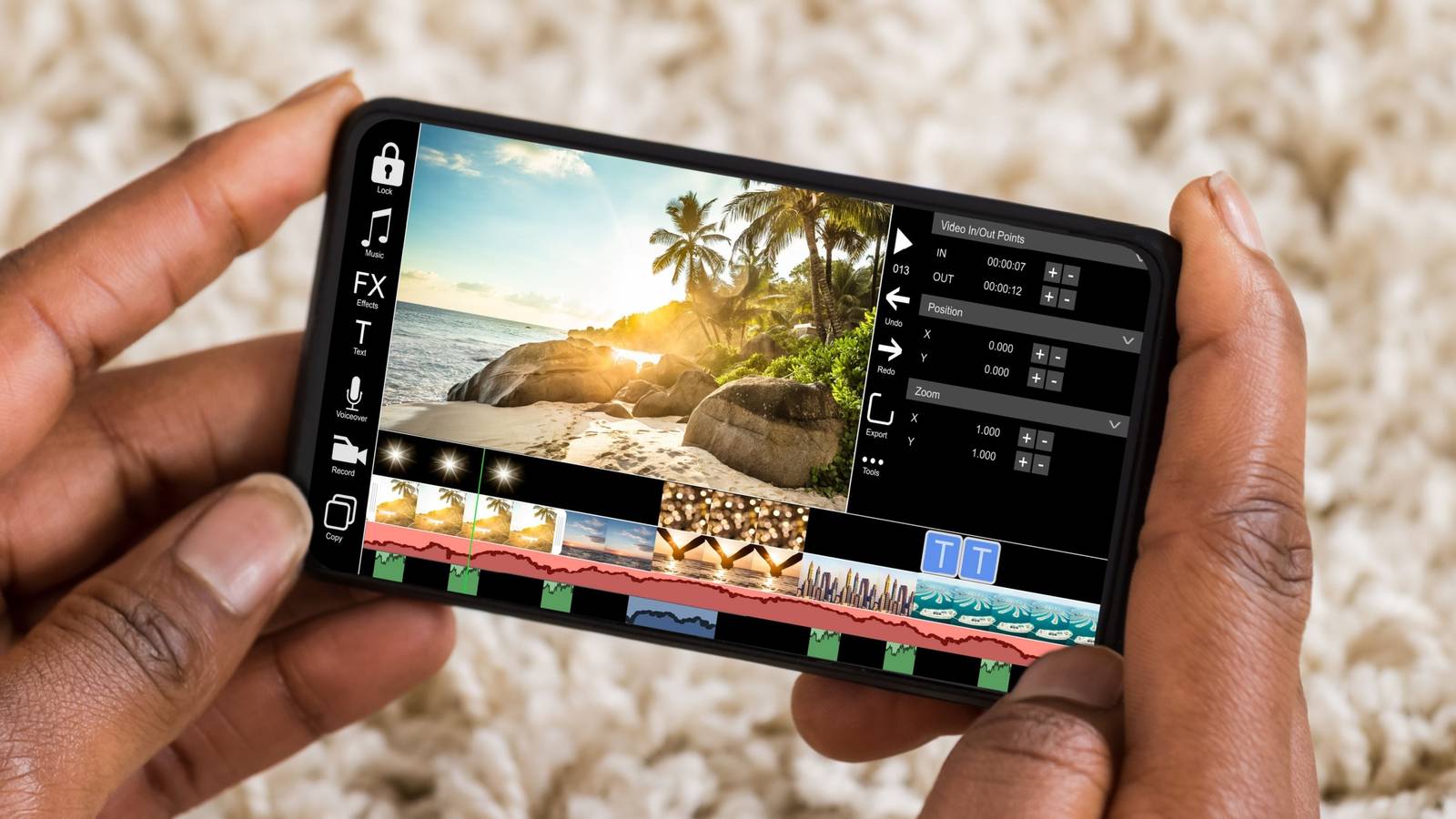
Video editing on smartphones has become more powerful than ever. In 2026, many creators in Nigeria and around the world now edit professional-quality videos directly on their phones — for YouTube, TikTok, Instagram Reels, Facebook, and even client projects. However, not every smartphone can handle video editing smoothly.
This guide explains the exact phone requirements for video editing in 2026, what specs matter most, and how to choose the right phone based on your budget and editing needs.
Why Phone Specs Matter for Video Editing
Video editing is a resource-intensive task. When your phone lacks the right hardware, you may experience lag, overheating, app crashes, or poor export quality. Whether you use CapCut, VN, LumaFusion, Adobe Premiere Rush, or similar apps, your phone must meet certain requirements to perform well.
If you are new to editing, you may also find this helpful:
👉 https://www.infolandia.com.ng/the-ultimate-guide-to-video-editing-for-beginners-2025/
Minimum Phone Requirements for Video Editing in 2026
If you only edit short videos (TikTok, WhatsApp status, Instagram Reels), these are the minimum acceptable specs:
Processor (CPU & GPU)
-
At least Snapdragon 778G, Dimensity 900, or equivalent
-
For iPhones: A13 Bionic and above
Older processors struggle with 4K footage and heavy effects.
RAM
-
Minimum: 6GB RAM
-
Recommended: 8GB RAM or more
Low RAM causes editing apps to reload constantly.
Storage
-
Minimum: 128GB
-
Preferably 256GB or more
Video files are large. If storage fills up, your phone slows down significantly.
Display
-
Full HD+ resolution
-
Minimum 60Hz refresh rate
-
IPS or AMOLED display
A good display helps you see color accuracy while editing.
Recommended Phone Requirements for Professional Editing
If you plan to edit YouTube videos, client projects, documentaries, or ads, these are the specs you should aim for in 2026:
Processor (Very Important)
-
Snapdragon 8 Gen 1 / 8 Gen 2
-
MediaTek Dimensity 9200+
-
Apple A15, A16, A17
Phones like flagship Samsung, iPhone, Google Pixel, and OnePlus perform best.
You can see how flagship phones handle heavy tasks in reviews like:
👉 https://www.infolandia.com.ng/oneplus-13-review-flagship-performance-premium-design/
👉 https://www.infolandia.com.ng/google-pixel-9-pro-xl-review/
RAM
-
8GB minimum
-
12GB–16GB for smooth multitasking and faster rendering
Storage Type
-
UFS 3.1 or UFS 4.0 storage
-
Avoid phones with slow eMMC storage
Camera & Codec Support
-
4K video recording (60fps preferred)
-
Support for HDR and LOG formats
-
Good stabilization (OIS/EIS)
If you care about camera quality, check:
👉 https://www.infolandia.com.ng/samsung-galaxy-a55-5g-review/
👉 https://www.infolandia.com.ng/iphone-16-pro-max-review/
Battery & Cooling: Often Ignored but Critical
Video editing drains power fast.
Recommended:
-
Battery size: 4,500mAh – 5,500mAh
-
Fast charging (45W+)
-
Good thermal management
Overheating can slow exports and damage battery health long-term.
Best Operating System for Video Editing
Android
-
Android 13 or newer
-
Wide range of editing apps
-
Flexible file management
iOS
-
Faster rendering
-
Better app optimization
-
Longer software support
Both are excellent — your choice depends on budget and workflow.
Best Video Editing Apps That Require Good Phones
To use these apps comfortably, your phone must meet the recommended specs:
-
CapCut
-
LumaFusion
-
Adobe Premiere Rush
-
VN Editor
-
DaVinci Resolve (mobile versions)
CapCut users should read:
👉 https://www.infolandia.com.ng/capcut-review-2025-the-best-free-video-editing-app/
Budget vs Flagship Phones: What Should You Choose?
Budget Phones (₦150k – ₦300k)
-
Suitable for short videos
-
Social media editing
-
Light effects
Examples include midrange Samsung, Tecno, and Infinix models.
👉 https://www.infolandia.com.ng/tecno-spark-20-review-budget-smartphone/
Flagship Phones (₦400k+)
-
Best for professional creators
-
Faster exports
-
Handles 4K and heavy timelines
If you want reliable access to editing phones and accessories, you can check trusted product listings through Shopinverse:
👉 https://shopinverse.com?sca_ref=10136673.n6CCLMI8Whb
👉 https://shopinverse.com/10136673
Common Mistakes to Avoid When Choosing an Editing Phone
-
Buying phones with 4GB RAM
-
Ignoring storage type
-
Focusing only on camera megapixels
-
Choosing phones without long software updates
Creators who also publish on YouTube should avoid mistakes outlined here:
👉 https://www.infolandia.com.ng/mistakes-that-can-get-you-banned-on-youtube/
External Resources for Video Creators (Credibility Links)
For global best practices and tools:
-
Google Creator Resources – Google LLC
-
Meta Creator Studio – Meta Platforms Inc.
-
Nigerian digital skill initiatives by NITDA (Nigeria)
-
YouTube Creator Academy – Alphabet Inc.
These platforms guide video standards, compression, and monetization.
Final Verdict: What Phone Do You Really Need in 2026?
If you are serious about video editing in 2026:
-
Minimum: 6GB RAM, good midrange processor
-
Recommended: 8–12GB RAM, flagship-level chip
-
Professional: 12GB+ RAM, fast storage, strong cooling
A good phone will not only save you time but also improve video quality and productivity.
For more tech reviews, editing tools, and money-making guides, explore:
👉 https://www.infolandia.com.ng/category/app-product-reviews/
👉 https://www.infolandia.com.ng/category/how-to-guides/
👉 https://www.infolandia.com.ng/category/make-money-online/