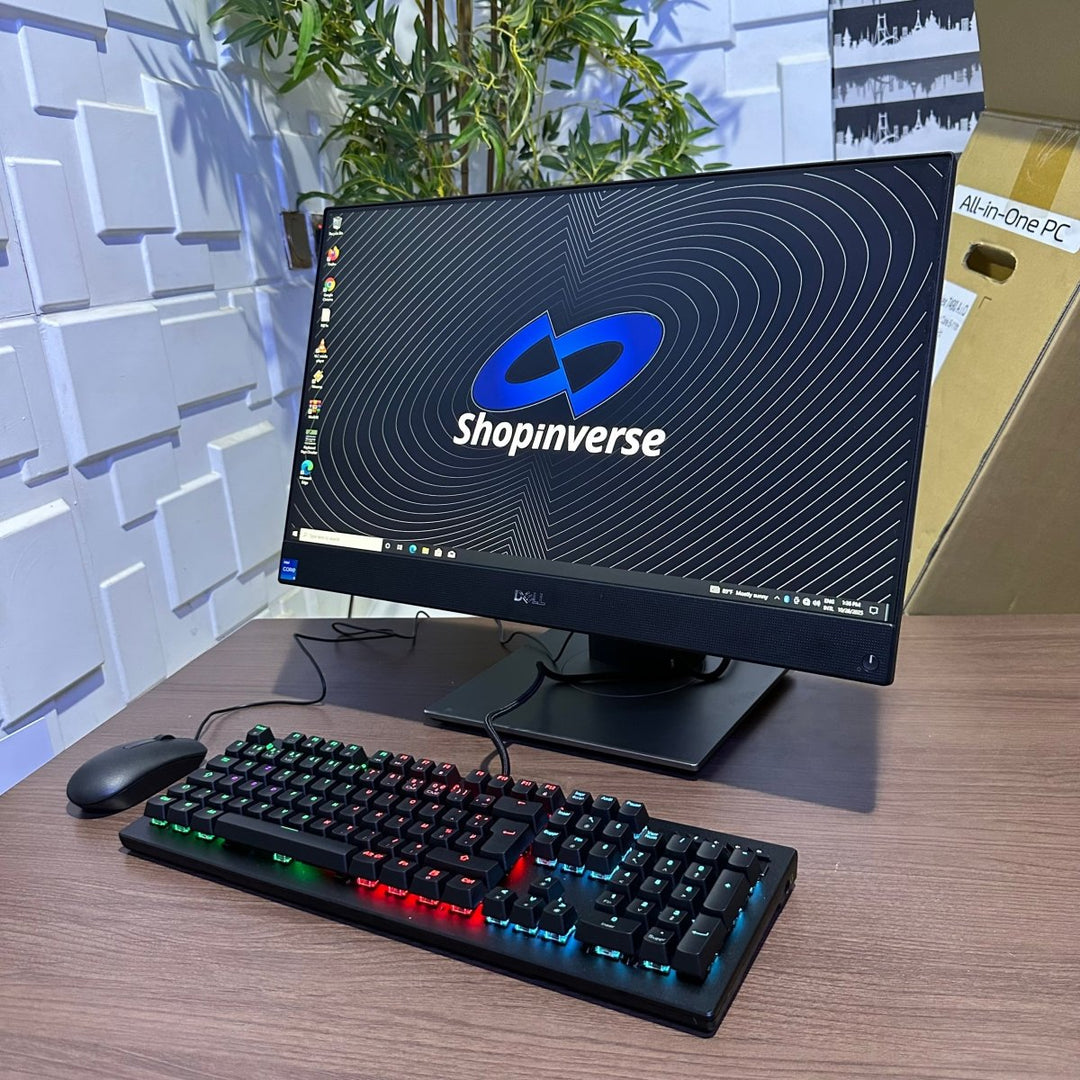
Streaming live TV on your computer has become easier, cheaper, and more flexible than traditional cable TV. In 2026, you can watch local Nigerian channels, international news, sports, movies, and live events directly on your laptop or desktop — without a decoder.
This guide explains how to stream live TV on your computer, the best platforms to use, system requirements, and what to watch out for.
What Is Live TV Streaming?
Live TV streaming allows you to watch television channels in real time over the internet instead of using satellite dishes or cable boxes. All you need is:
A computer
Stable internet connection
A streaming platform or website
This method is popular among students, remote workers, and Nigerians living abroad.
Minimum Requirements to Stream Live TV on a Computer
Before choosing any platform, make sure your computer meets these basic requirements:
Hardware Requirements
Processor: Intel Core i3 or equivalent
RAM: Minimum 4GB (8GB recommended)
Display: HD screen (1366×768 or higher)
Sound card or headphones
Software Requirements
Updated browser (Chrome, Edge, Firefox, or Safari)
Windows 10+, macOS, or Linux
Media player support (HTML5 enabled)
If you’re using an older laptop, this guide may help:
👉 https://www.infolandia.com.ng/dell-latitude-e3350-review-specs-price-and-performance/
Best Ways to Stream Live TV on Your Computer
1. Live TV Streaming Websites
Several websites allow you to stream live TV channels directly in your browser. These platforms usually require no installation.
Pros
Easy access
No extra software
Works on low-end computers
Cons
Ads
Some sites are not legal or secure
Always verify the legitimacy of the platform before use.
2. Official TV Station Websites
Many TV stations now stream live content directly on their official websites.
Examples include:
Nigerian TV stations (news and entertainment)
International broadcasters
Sports networks
This is the safest and most legal option.
3. Streaming Apps with Web Versions
Some live TV services offer browser-based streaming for computers. These are ideal for users who want stable quality and support.
This approach works well for users who also stream content regularly on YouTube or Facebook.
👉 https://www.infolandia.com.ng/making-money-on-facebook-in-2025/
4. IPTV Services (Use With Caution)
IPTV services stream hundreds of channels over the internet. However:
Not all IPTV providers are legal
Poor-quality providers expose users to malware
Always research before subscribing.

Best Internet Speed for Live TV Streaming
For smooth streaming:
SD: Minimum 3 Mbps
HD: 5–10 Mbps
Full HD: 10–20 Mbps
Unstable internet causes buffering and lag.
For better understanding of internet technology, read:
👉 https://www.infolandia.com.ng/what-will-5g-look-like-in-2026-the-future-of-ultra-fast-connectivity/
Is It Legal to Stream Live TV Online?
Legality depends on the platform:
Legal: Official broadcaster websites, licensed streaming services
Risky: Unverified IPTV websites
Always choose licensed providers to avoid copyright issues.
If you create streaming-related content online, avoid mistakes explained here:
👉 https://www.infolandia.com.ng/mistakes-that-can-get-you-banned-on-youtube/
How to Improve Streaming Quality on Your Computer
Use wired internet when possible
Close background apps
Update your browser
Use an ad blocker (on legal sites)
Lower video quality during peak hours
If your laptop is slow, see:
👉 https://www.infolandia.com.ng/what-to-do-when-your-laptop-hdd-gets-a-problem/
Streaming Live TV vs Cable TV
| Feature | Live TV Streaming | Cable TV |
|---|---|---|
| Cost | Lower | Expensive |
| Flexibility | High | Limited |
| Device | Any computer | Decoder only |
| Setup | Instant | Installation needed |
Streaming is now the preferred option for many Nigerians.
Where to Get a Good Laptop for Streaming
If you need a reliable laptop for streaming, work, and entertainment, check trusted tech listings via Shopinverse:
👉 https://shopinverse.com?sca_ref=10136673.n6CCLMI8Whb
👉 https://shopinverse.com/10136673
Outbound Authority Resources (Credibility Links)
For trusted information on streaming standards and digital broadcasting:
YouTube Live Streaming Guidelines – Google LLC
BBC Media Action – Broadcasting & digital media standards
Federal Communications Commission (FCC – USA) – Streaming regulations
National Broadcasting Commission (NBC Nigeria) – Broadcasting policies
These organizations define how digital TV and streaming operate globally and in Nigeria.
Final Thoughts: Is Streaming Live TV on a Computer Worth It?
Streaming live TV on your computer in 2026 is:
Cost-effective
Flexible
Easy to set up
Ideal for work-from-home users and students
As long as you choose legal platforms, maintain good internet speed, and use a capable computer, live TV streaming is a smart alternative to traditional TV.
For more tech guides, online tools, and digital lifestyle tips, explore:
👉 https://www.infolandia.com.ng/category/how-to-guides/
👉 https://www.infolandia.com.ng/category/nigerian-life/
👉 https://www.infolandia.com.ng/category/app-product-reviews/