The motherboard is the most important component in any laptop. It connects and controls every other part of the system — CPU, RAM, storage, keyboard, display, and power system. When it begins to fail, your laptop becomes unstable and may eventually stop working completely.
In Nigeria, where laptop repairs can be expensive and sometimes unreliable, detecting motherboard failure early can save you a lot of money and data loss.
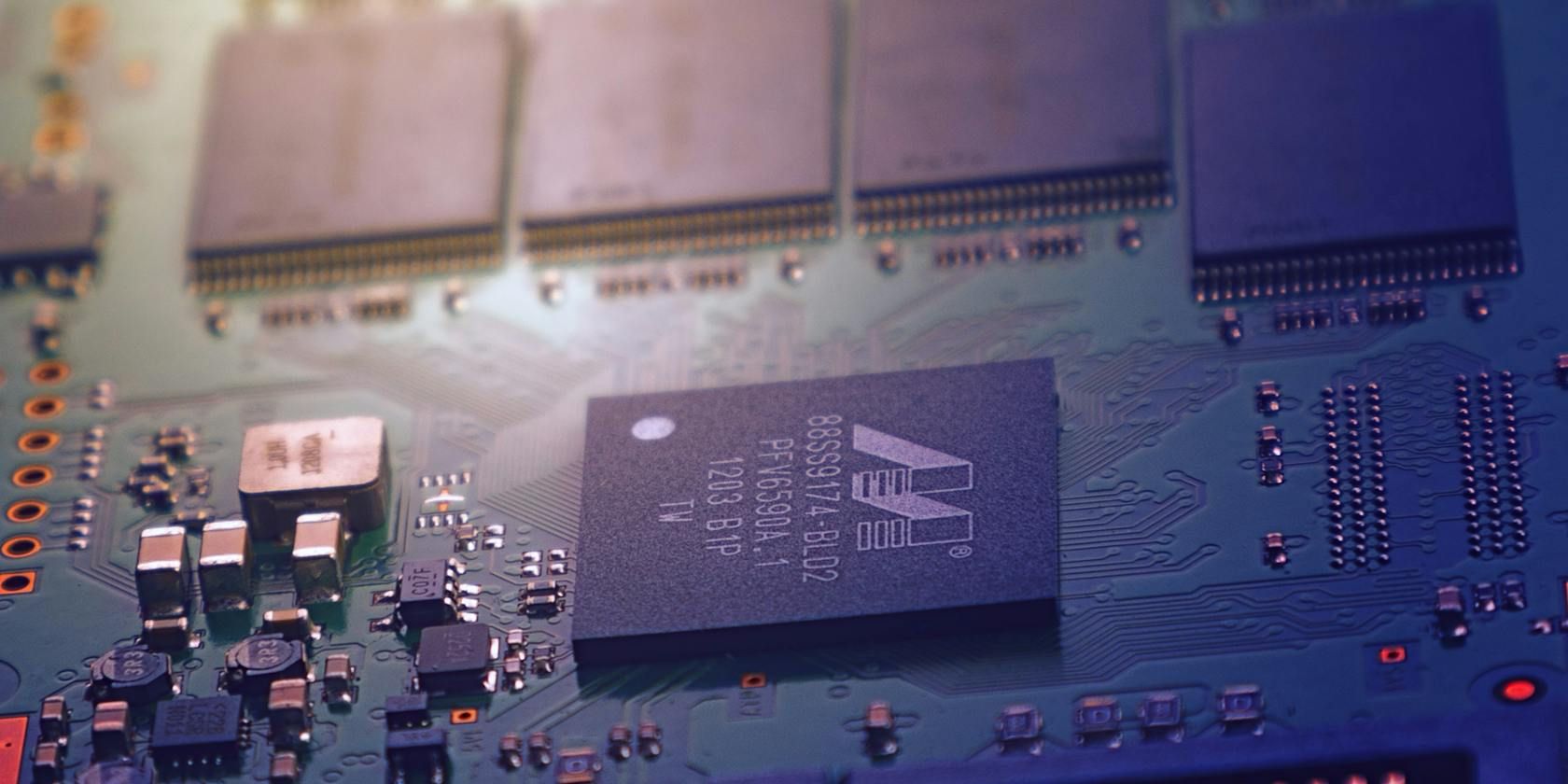
What Is a Laptop Motherboard?
The motherboard is the main circuit board inside your laptop. It acts like the “brain connection hub” that allows all components to communicate.
If it is damaged, your laptop may not turn on, may freeze randomly, or stop detecting important hardware like RAM or storage drives.
Learn more about laptop care in:
How to Choose the Right Laptop for Your Needs.
Early Warning Signs of Motherboard Failure
1. Laptop Randomly Shuts Down
If your laptop turns off without warning even when the battery is charged, it may be a motherboard power circuit issue.
2. Laptop Refuses to Turn On
Pressing the power button and getting no response is a strong indicator of motherboard failure or power IC damage.
3. Overheating Issues
Excessive heat around the keyboard or bottom panel may indicate damaged motherboard components.
4. Blue Screen Errors (BSOD)
Frequent system crashes can be caused by faulty motherboard circuits or chipset issues.
5. USB Ports Not Working
If multiple ports stop working at once, the motherboard may be damaged.
6. Charging Problems
If your laptop only charges intermittently or not at all, the charging IC on the motherboard may be faulty.
7. No Display But Power Light Is On
This often indicates GPU or motherboard-level failure.
Common Causes of Motherboard Damage in Nigeria
- Power surges and unstable electricity
- Overheating due to poor cooling
- Liquid spills (water, tea, soda)
- Dust accumulation
- Cheap or faulty chargers
- Physical drops or impact
What You Should Do Immediately
1. Stop Using the Laptop
Continuing to use a failing motherboard can worsen the damage.
2. Back Up Your Files
If your laptop still turns on, immediately back up your important files.
Related guide:
How to Protect Your Laptop Files
3. Visit a Trusted Repair Technician
Do not rush to replace parts without diagnosis. Many laptop issues are misdiagnosed in Nigeria.
4. Check Power Supply First
Sometimes the charger or battery is the real issue, not the motherboard.
Repair vs Replacement: What Is Better?
| Option | When to Choose | Cost Impact |
|---|---|---|
| Repair | Minor IC or circuit damage | Cheaper |
| Replacement | Severe motherboard damage | Expensive |
In many cases, repairing the motherboard is more cost-effective than replacing the entire laptop.
How to Prevent Motherboard Failure
- Use a surge protector
- Avoid overheating your laptop
- Clean dust regularly
- Use original chargers
- Avoid eating or drinking near your laptop
- Shut down properly instead of forcing power off
Read also:
Good Tech Habits for Laptop Users
Advanced Signs Most Users Ignore
Some motherboard problems start subtly and are often ignored:
- Lagging even after reinstalling Windows
- Keyboard keys randomly failing
- Fan running at full speed constantly
- Wi-Fi not detecting networks
When the Motherboard Is Already Dead
If your laptop shows no power, no charging light, and no fan movement even after changing charger and battery, the motherboard may be completely dead.
At this stage, you may need a full replacement or consider upgrading to a new laptop depending on cost.
Useful External Resources
Learn more about hardware diagnostics from:
Microsoft Windows Official
General computer hardware support:
Intel Support
Hardware safety tips:
Cybersecurity & Infrastructure Security Agency
FAQ
Can a failing motherboard be repaired?
Yes, minor faults like IC or power issues can often be repaired.
How much does motherboard repair cost in Nigeria?
It depends on the damage, but repairs are usually cheaper than replacement.
What causes motherboard failure most?
Power surges, overheating, and liquid damage are the most common causes.
Conclusion
A failing motherboard does not always mean your laptop is dead immediately. Early detection can help you save data and reduce repair costs.
By understanding the warning signs and taking preventive measures, you can extend your laptop’s lifespan and avoid unexpected breakdowns.