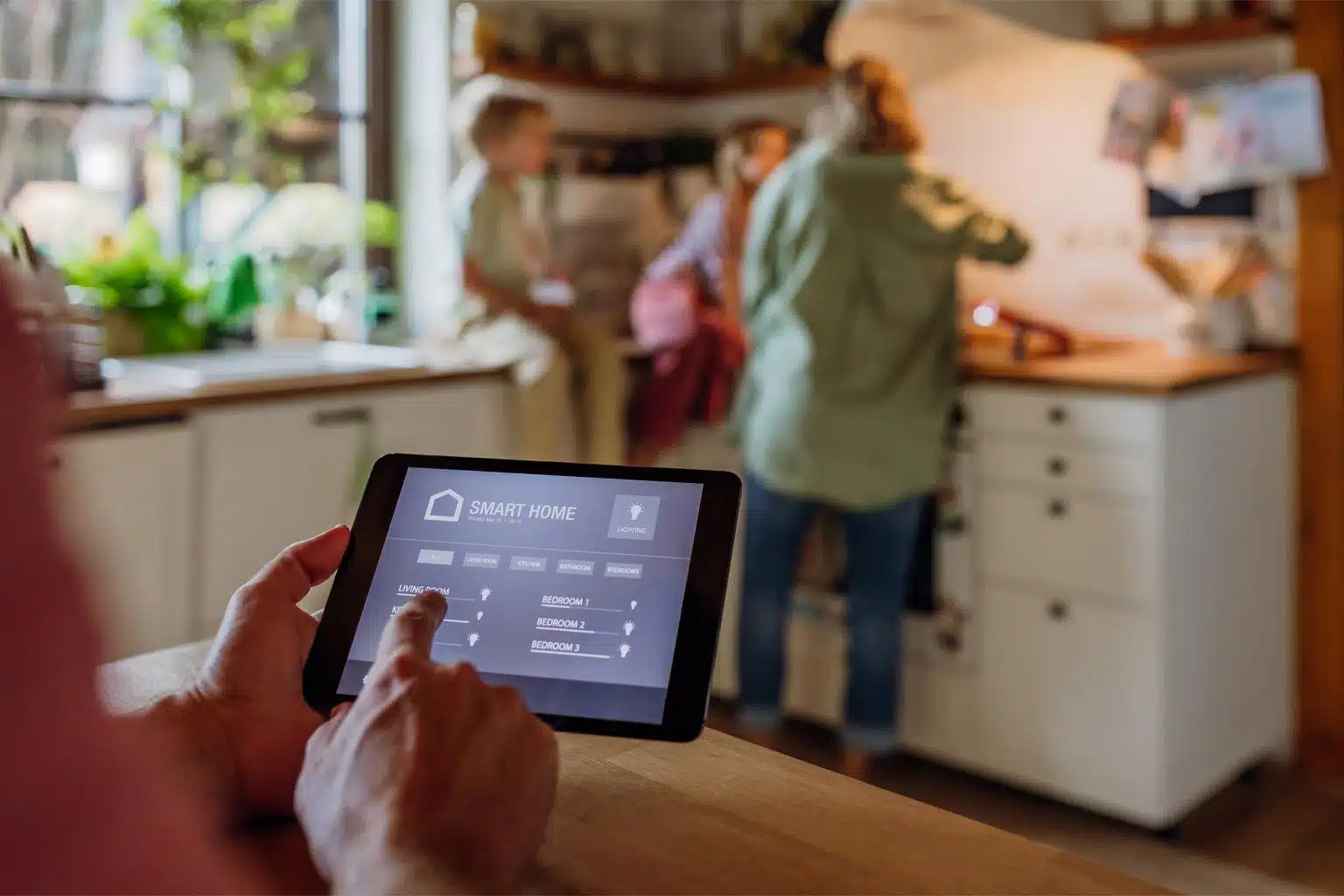
Smart home automation can sound complicated when you first hear terms such as Matter, Thread, smart hubs, routines, sensors, voice assistants, and connected devices. In reality, you do not need to turn your entire house into a futuristic laboratory to enjoy the benefits of a smart home.
You can start with something as simple as a smart bulb or smart plug. From there, you can gradually connect lights, security devices, appliances, sensors, entertainment systems, and other compatible equipment.
For Nigerian homes, however, there are a few extra things worth considering. Internet reliability, electricity supply, mobile data costs, device compatibility, and local availability can all affect how well a smart home works.
This beginner’s guide explains what smart home automation is, how it works, what devices you need, how to choose compatible products, and how to build your first smart home without wasting money.

What Is Smart Home Automation?
Smart home automation means using connected devices and software to control or automate things around your home.
Instead of manually switching every light, checking every device, or adjusting everything yourself, connected devices can respond to commands, schedules, sensors, or predefined conditions.
For example, you could create an automation that turns on a smart light at a particular time. Another routine could switch several lights off when you go to bed. A motion sensor could trigger a light when movement is detected.
The Google Home Learning Center describes Google Home as a platform for setting up, managing, controlling, and automating compatible smart home devices.
The important point is that smart home automation is about making everyday tasks easier. You do not need dozens of expensive devices to create a useful setup.
How Does a Smart Home Work?
A basic smart home usually has four important components:
- Smart devices such as bulbs, plugs, cameras, sensors, speakers, or appliances.
- A network such as Wi-Fi or another supported wireless technology.
- A control platform such as Google Home, Apple Home, Amazon Alexa, or a manufacturer’s application.
- Automations that tell devices what to do when certain conditions are met.
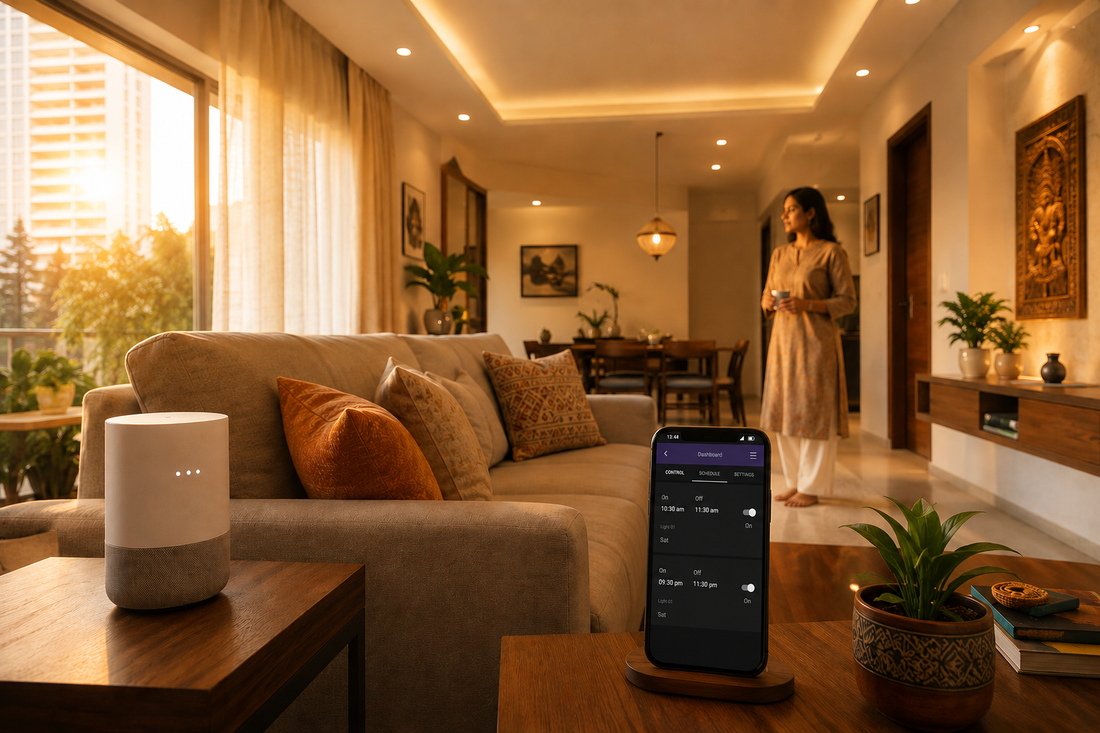
Your smartphone often becomes the main control panel. Depending on the ecosystem and device, you can use an app, voice commands, scheduled routines, sensors, or physical controls.
Newer smart home standards are also making compatibility easier. Matter is an open smart home standard designed to allow certified devices to work across compatible ecosystems using a common protocol.
What Is Matter and Why Does It Matter?
If you are buying smart home devices in 2026, you will probably encounter the word Matter frequently.
Matter is designed to reduce some of the compatibility problems that existed when smart home devices depended heavily on individual manufacturer ecosystems. A Matter-certified device can work with compatible Matter-enabled platforms, although you still need to check the exact features supported by the device and platform.
Google’s current documentation explains that Matter can allow compatible devices to communicate locally over the home network, while also supporting control through multiple compatible smart home platforms.
That means you should pay attention to the Matter logo when buying new smart home products.
Matter does not mean that every smart device will automatically work with every other device. You still need to check the product’s supported ecosystems, required hub, connectivity method, and available features.
What Is Thread?
Thread is another term you may encounter when shopping for newer smart home products.
Thread is a low-power mesh networking technology designed specifically for connected devices. Unlike ordinary Wi-Fi, it is designed around the needs of smart home devices and can help create a mesh network in which compatible devices communicate with each other.
Google explains that Thread can provide benefits such as improved range, reliability, and energy efficiency for compatible smart home devices.
Some Matter devices use Wi-Fi, while others use Thread. If you plan to use Matter-over-Thread devices, you may need a compatible Thread border router or smart home hub.
Smart Home Devices Beginners Should Consider
You do not need to buy everything at once. Start with devices that solve actual problems in your home.
1. Smart Bulbs
Smart bulbs are among the easiest ways to begin.
Depending on the model, you may be able to switch them on and off from your phone, change brightness, schedule them, or include them in an automation.
For example, you could schedule your bedroom light to turn on at a particular time in the evening rather than switching it manually.
2. Smart Plugs
A smart plug can make a compatible appliance controllable through a smart home platform.
It can be useful for devices that simply need power switched on or off. However, always check the electrical rating of the smart plug and the appliance before connecting them.
For Nigerian homes, this is especially important because electrical equipment should be appropriate for the local power environment and the load involved.
3. Smart Speakers and Displays
A smart speaker can act as a convenient voice-control interface for compatible devices. A smart display adds a screen for viewing controls and information.
You can use compatible voice assistants to perform supported actions without reaching for your phone every time.
4. Smart Sensors
Sensors make automation more intelligent.
Depending on the type, a sensor may detect motion, doors opening or closing, temperature, humidity, light levels, or other environmental conditions.
A motion sensor, for example, could trigger a compatible light when movement is detected.
5. Smart Cameras and Doorbells
Connected cameras and doorbells can allow homeowners to check selected areas remotely and receive notifications when supported events occur.
Before buying a camera, check storage options, privacy controls, subscription requirements, internet requirements, and whether the device works with your chosen smart home platform.
6. Smart Energy Devices
Smart energy monitors, compatible plugs, and other energy-management devices can help you understand how certain equipment is being used.
This can be particularly useful in homes where electricity costs and power availability are important considerations.
How to Choose Your Smart Home Ecosystem
One of the first decisions you should make is which smart home ecosystem you want to use.
Popular options include:
- Google Home
- Apple Home
- Amazon Alexa
- Manufacturer-specific smart home platforms
You do not necessarily have to use only one brand forever. Matter’s multi-admin capabilities can allow compatible devices to be controlled through more than one Matter-certified platform.
Still, beginners should avoid making their setup unnecessarily complicated. Choosing one primary ecosystem can make device management easier.
How to Start Your First Smart Home
Step 1: Identify a Real Problem
Do not begin by buying random smart gadgets because they look impressive.
Ask yourself what you want to improve.
- Do you want easier control of your lights?
- Do you want scheduled lighting?
- Do you want to monitor parts of your home remotely?
- Do you want to automate certain appliances?
- Do you want better visibility into your energy use?
Your answers will help determine which devices actually make sense.
Step 2: Check Your Internet Connection
Your smart home depends on reliable connectivity, although not every device works in exactly the same way.
Some devices communicate directly over your local network. Others rely more heavily on cloud services. Matter-enabled devices are designed to support local communication for compatible setups, while remote control from outside your home still involves internet connectivity.
If your home internet is unreliable, consider which devices need constant cloud access before buying them.
If you are comparing internet options in Nigeria, our guide to internet service providers in Nigeria can help you think about speed, stability, and value.
Step 3: Secure Your Router
Your router is one of the most important components of a connected home.
The U.S. Cybersecurity and Infrastructure Security Agency recommends securing the home Wi-Fi network, changing default credentials, and using additional protections such as multi-factor authentication where available.
Do not leave the default administrator password unchanged. Also keep your router firmware and connected devices updated when manufacturers provide security updates.
Step 4: Buy One or Two Devices
Start small.
A smart bulb and smart plug can teach you the basics without requiring a major investment. Once you understand how your chosen ecosystem works, you can add sensors, speakers, cameras, and other devices.
When shopping for compatible gadgets, you can check Shopinverse for available technology products and accessories.
You can also use this Shopinverse referral link when browsing compatible tech products. Availability and compatibility can vary, so check the specifications before ordering.
Step 5: Install the Manufacturer’s App
Many smart devices require their manufacturer’s application during initial setup.
Depending on the device, you may then be able to connect it to your preferred smart home ecosystem.
Google’s current setup instructions, for example, explain that third-party devices may first need to be configured through the manufacturer’s application before being connected to Google Home.
Step 6: Add the Device to Your Smart Home
Once the device is powered and configured, follow the instructions provided by the manufacturer or your smart home platform.
For Matter devices, setup may involve scanning a QR code or entering a pairing code. Google Home currently supports this type of Matter setup through its app.
Step 7: Create Your First Automation
This is where your smart home starts becoming genuinely useful.
For example, you could create a simple routine where a smart light turns on at a scheduled time.
More advanced systems can combine a starter, optional conditions, and actions. Google’s current automation documentation uses these concepts to describe how household automations work.
Smart Home Automation Ideas for Beginners
Here are some simple automation ideas you can build as your system grows.
Morning Lighting
Schedule selected lights to turn on in the morning. This can provide a more consistent routine without requiring you to manually switch them on every day.
Bedtime Routine
Create a routine that switches off selected lights and performs other supported actions when you are ready to sleep.
Motion-Activated Lighting
Combine a compatible motion sensor with a smart light. When movement is detected under the conditions you specify, the light can turn on.
Homecoming Routine
Depending on your platform and available devices, you could create an automation that adjusts selected lights or devices when you return home.
Energy-Saving Routine
You can schedule compatible devices to switch off at times when they are unlikely to be needed. This can reduce unnecessary operation, although the actual savings depend on the device, usage pattern, and electricity consumption.
Smart Home Automation in Nigeria: What Should You Consider?
Building a smart home in Nigeria can be slightly different from setting one up in a market where electricity and internet connectivity are consistently available.
Power availability should be one of your first considerations. If electricity interruptions are common in your area, think about which devices need uninterrupted power and whether your backup power system can support them.
Your router is especially important because many smart home devices depend on your home network. A backup power arrangement that keeps the router running can help maintain connectivity during shorter outages.
If you already use an inverter or solar setup, you may also find our guide to solar power in Nigeria useful when thinking about home energy infrastructure.
How Much Does a Smart Home Cost?
There is no fixed smart home price because the cost depends on the number and type of devices you install.
A basic setup could consist of a few smart bulbs or plugs. A larger setup might include multiple rooms, sensors, cameras, a smart display, networking equipment, and connected appliances.
Instead of setting a huge budget immediately, consider building your system in stages:
- Stage 1: One or two smart lights or plugs.
- Stage 2: Add a smart speaker or display.
- Stage 3: Add sensors and useful automations.
- Stage 4: Add security or energy-management devices.
- Stage 5: Expand into other rooms and appliances.
This approach allows you to learn what you actually use before spending more money.
Common Smart Home Mistakes Beginners Make
Buying Devices Without Checking Compatibility
A cheap smart bulb is not necessarily a good purchase if it does not work with your preferred ecosystem.
Check for compatibility before buying. Look for Matter certification or the appropriate compatibility badge when applicable.
Buying Too Many Devices at Once
Installing twenty different smart devices on your first day can make troubleshooting unnecessarily difficult.
Start with a small setup and expand gradually.
Ignoring Security
Connected devices should be treated as part of your digital environment. Use strong passwords, enable multi-factor authentication where available, install updates, and avoid leaving unnecessary accounts or services unsecured.
For more practical guidance, read our cybersecurity guide for Nigerians.
Depending Entirely on Cloud Services
Some smart devices rely heavily on manufacturer cloud services. If your internet connection goes down, certain functions may stop working.
Before buying an important device, check which functions work locally and which require internet access.
Ignoring Software Updates
Smart home devices contain software, and manufacturers may release firmware updates to improve functionality or address security issues.
Keep your devices updated whenever practical.
Smart Home Automation and Privacy
Privacy deserves attention because connected devices can collect information about your home, routines, voice commands, movements, or device usage.
Before installing a camera, microphone-equipped device, or sensor, read the manufacturer’s privacy information and understand what information the device collects.
Consider where you place cameras and microphones. You should also review which people have access to your smart home account.
A smart home should make your life more convenient without giving unnecessary access to other people or services.
Can You Build a Smart Home Without a Smart Speaker?
Yes.
A smart speaker is convenient, but it is not always required. Depending on the device and ecosystem, you may control compatible equipment through a smartphone application, physical controls, schedules, sensors, or a dedicated hub.
A smart speaker becomes more useful when you want hands-free control or a central voice interface.
Should You Buy Matter Devices?
Matter is worth understanding when buying new smart home products because it is designed to improve interoperability between compatible ecosystems.
However, do not buy a device solely because the box says Matter. Check the exact device type, supported platforms, connectivity method, required hub, and features available in your country.
Google’s documentation notes that Matter support and available device types can vary across platforms and evolve over time.
Smart Home Automation and Your Smartphone
Your smartphone will probably remain one of the most important tools in your smart home.
You can use it to configure devices, create routines, receive notifications, check cameras, control lights, and manage your smart home account.
That means a reliable phone with good battery life, sufficient storage, and current software can make the entire experience easier.
If you are considering upgrading your device, check our guide to the best smartphones to buy in Nigeria in 2026.
You can also compare our guide to Android features you may not be using for more ideas on getting value from your smartphone.
Smart Home Automation Is Also a Digital Skill
As connected homes become more sophisticated, understanding basic networking, cybersecurity, cloud services, and automation logic can become useful digital knowledge.
If you enjoy experimenting with technology, you can explore our Digital Skills & Tutorials category for other practical technology skills.
For people who want to broaden their digital knowledge, this collection of 100+ digital courses on Selar is another resource you can explore. Course content, pricing, and availability can change, so review the current details before purchasing.
Cybersecurity is particularly relevant to connected homes. If you want to develop that skill further, you can also explore this cybersecurity course collection.
Smart Home Automation Checklist for Beginners
Before buying your first device, run through this checklist:
- Identify the problem you want to solve.
- Check whether your internet connection is reliable enough.
- Secure your Wi-Fi router.
- Choose your primary smart home ecosystem.
- Look for Matter compatibility when appropriate.
- Check whether the device requires a hub.
- Check whether it uses Wi-Fi, Thread, or another connection.
- Confirm that the device supports your phone and smart home platform.
- Check whether important features require a subscription.
- Read privacy and security information.
- Start with one or two devices.
- Create simple automations before building complicated routines.
Final Thoughts
Smart home automation does not have to be expensive or complicated. The easiest way to get started is to identify one everyday problem and solve it with a compatible connected device.
A smart bulb can introduce you to scheduled lighting. A smart plug can provide basic remote control. A sensor can introduce conditional automation. From there, you can gradually build a system that fits your home and your budget.
For Nigerian households, remember to consider electricity reliability, internet connectivity, device availability, security, and the cost of maintaining the system. A smaller setup that works reliably can be more useful than a house full of devices that are difficult to manage.
As you shop, pay attention to compatibility standards such as Matter and Thread, but always check the exact specifications of each product. Matter is designed to improve interoperability, while Thread can provide a low-power mesh network for compatible devices.
Most importantly, build your smart home gradually. Learn how each device works, secure your accounts, and only add new equipment when it provides a genuine benefit.
For more technology buying guides, practical tutorials, and Nigerian-focused technology content, explore the How-To Guides section and the App & Product Reviews category on Infolandia.
Affiliate disclosure: Some links in this article are affiliate or referral links. If you purchase through one of these links, Infolandia may receive a commission at no additional cost to you. We include these links where they are relevant to the subject, but you should always check the current price, specifications, compatibility, warranty, and suitability of a product before purchasing.