Buying a laptop as a student is not as simple as choosing the most expensive computer you can afford. Your course, software requirements, budget, battery needs, storage needs, and even the way you study can change which laptop makes the most sense.
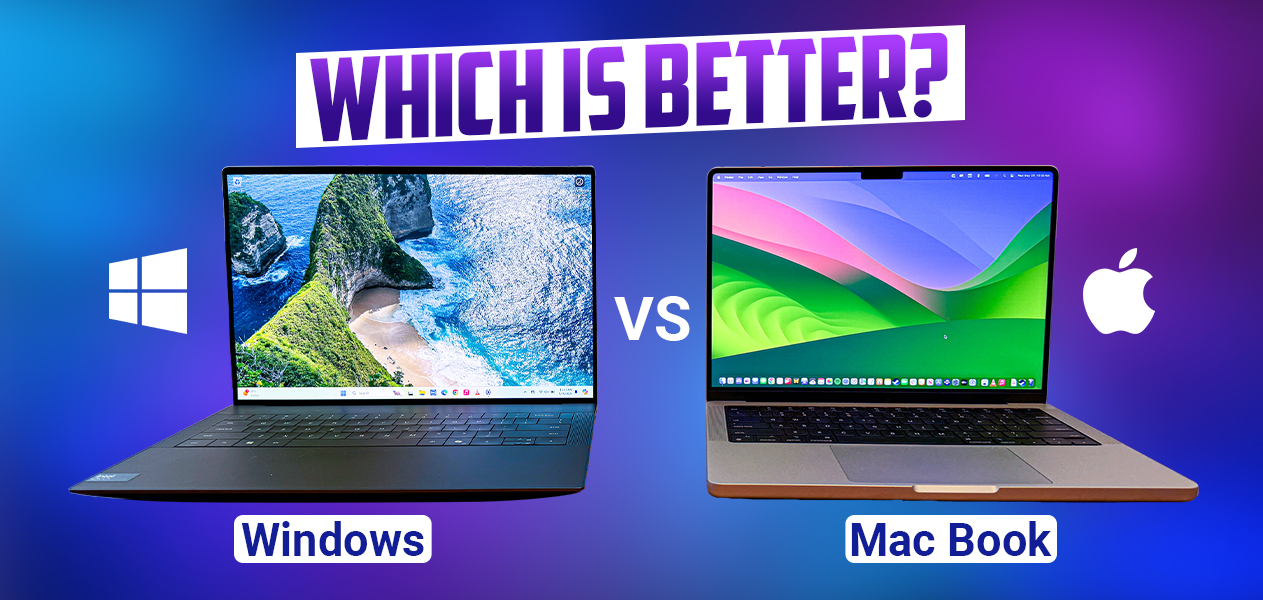
For many students, the biggest question comes down to two choices: MacBook Air or Windows laptop? Both can handle everyday student work, but they offer very different experiences.
There is another decision that students often underestimate: how much storage should your laptop have? A laptop with 256GB may look attractive because it costs less, but running out of space halfway through your degree can become frustrating. On the other hand, paying for 1TB of storage may not make sense if most of your files live in the cloud.
In this guide, I will compare MacBook Air and Windows laptops for students, explain where each platform makes sense, and then break down 256GB, 512GB, 1TB and larger storage options so you can make a more informed decision.
If you are also comparing laptops generally, you can check our complete guide to the best laptops to buy in Nigeria in 2026 before making your final choice.
MacBook Air vs Windows Laptop: The Basic Difference
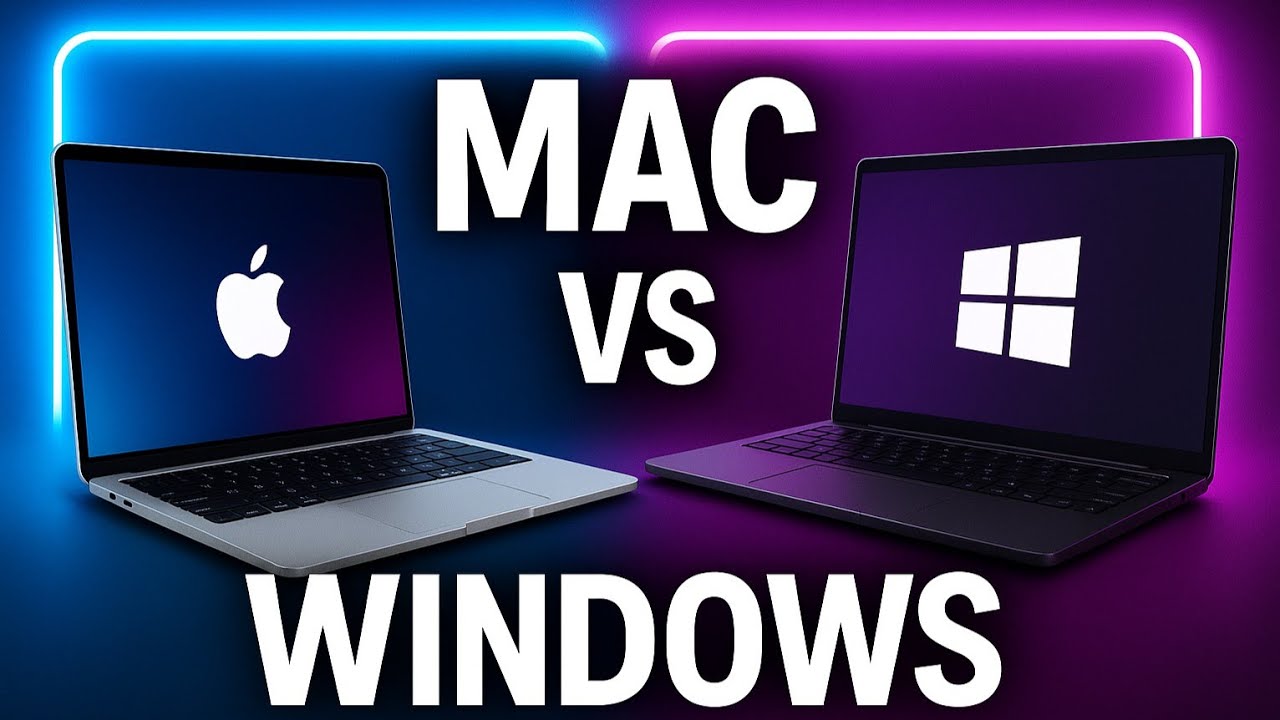
A MacBook Air runs Apple’s macOS, while Windows laptops run Microsoft’s Windows operating system. However, the difference goes beyond the operating system.
MacBook Air models use Apple’s own Apple silicon chips and have a tightly controlled hardware and software ecosystem. Windows laptops come from many manufacturers, including Dell, HP, Lenovo, ASUS, Acer, Microsoft and others.
That variety is one of Windows’ biggest advantages. You can find inexpensive student laptops, business machines, gaming laptops, 2-in-1 devices and powerful workstation-style computers across a wide range of prices.
Apple takes a different approach. The MacBook Air lineup is more limited, but the hardware, operating system and software are designed to work together.
The current MacBook Air uses Apple’s M5 chip, starts with 16GB of unified memory and 512GB of SSD storage, and comes in 13-inch and 15-inch versions. Apple also lists battery life of up to 18 hours, although real-world battery life varies depending on what you do with the computer. Check Apple’s official MacBook Air specifications before purchasing because configurations and availability can change.
MacBook Air for Students
The MacBook Air can be a particularly attractive option for students who want a portable computer for lectures, research, writing, programming, presentations and general productivity.
One of its biggest strengths is portability. A student can carry it between lectures, the library, home and other study locations without needing a bulky setup.
Battery life is another important consideration. Apple currently advertises up to 18 hours of battery life for the MacBook Air, although actual results depend on applications, settings, network activity and other factors.
The current MacBook Air also starts at 512GB of SSD storage, which is useful because students no longer have to choose between a very small base storage option and an expensive upgrade on the current model.
For students studying writing, business, communications, programming, digital marketing or other fields where macOS-compatible applications are sufficient, the MacBook Air can provide a straightforward daily-work machine.
It can also be useful for creative students. Apple’s current MacBook Air supports hardware-accelerated media features and can handle applications used for photo and video work, although students with extremely demanding professional workloads may need to consider higher-performance machines.
Windows Laptops for Students
Windows laptops have one major advantage that is difficult to ignore: choice.
You can choose from many manufacturers, processors, screen sizes, designs and price points. That flexibility matters in Nigeria, where laptop prices can vary significantly depending on the model, condition, specifications, exchange rates and seller.
Microsoft’s own student buying guidance currently recommends considering machines with roughly 8GB to 16GB or more RAM and 256GB to 1TB or more storage, depending on how the computer will be used. Microsoft’s laptop buying guide also notes that students who store lots of files locally should consider higher storage.
Windows can also make more sense if your course requires software that is designed specifically for Windows. This can include certain engineering, accounting, technical, enterprise and specialized academic applications.
Gaming students also have considerably more hardware options on Windows. You can find laptops with dedicated NVIDIA or AMD graphics, higher-refresh-rate displays and configurations designed specifically for gaming and 3D workloads.
Windows laptops also include many 2-in-1 designs. Some students may prefer a touchscreen and stylus for handwritten notes, diagrams or presentations.
MacBook Air vs Windows Laptop for University Students
| Feature | MacBook Air | Windows Laptop |
|---|---|---|
| Operating system | macOS | Windows |
| Hardware choice | Limited Apple lineup | Very wide range of manufacturers and models |
| Budget flexibility | Generally fewer lower-cost options | Many options from entry-level to premium |
| Battery-focused portability | Strong option | Varies significantly by model |
| Gaming selection | More limited | Much wider selection |
| Specialized Windows software | May require alternatives or compatibility solutions | Usually the natural choice |
| 2-in-1 options | Limited compared with Windows | Many touchscreen and convertible options |
| Storage choices | Current MacBook Air starts at 512GB | Commonly available from 256GB upward |
Which Is Better for Computer Science Students?
Computer science students should look beyond the brand name.
Programming itself does not automatically require a MacBook. Many development environments work well on Windows, macOS and Linux. Your university’s specific course requirements matter more.
If you are studying web development, Android development or general software development, a capable Windows laptop can provide excellent value. You can also find Windows laptops with upgradeable RAM or storage, depending on the model.
MacBook Air can also be an excellent development machine, particularly for students who value portability and battery life. However, students interested in Apple’s development ecosystem need to consider the software requirements of their specific course or career path.
If you are learning web development, you may also find our guide on how to create your own website useful.
Students who want structured learning can also explore this Frontend Website Development Mentorship. I use affiliate links on some recommended resources, which means I may earn a commission if you purchase through my link, at no additional cost to you.
Which Is Better for Business, Writing and Digital Skills?
For writing assignments, research, spreadsheets, presentations, browsing and online classes, both platforms can work well.
In this category, I would focus more on the quality of the specific laptop than the operating system.
Look for a comfortable keyboard, a good display, enough RAM, an SSD, reliable Wi-Fi and a battery that fits your daily routine.
For students learning digital marketing, Microsoft Excel, cybersecurity or other digital skills, Windows provides a particularly broad range of affordable hardware.
You can also use a laptop to build skills beyond your degree. For example, this MS Excel course may be relevant to students who want to develop spreadsheet skills, while this Complete Cybersecurity Courses option may interest students exploring cybersecurity.
What About Laptop Storage?
Storage is one of the most important specifications to consider when buying a laptop.
Your laptop’s SSD stores Windows or macOS, applications, documents, photos, videos, downloads and other files. The more you store locally, the faster you can consume that space.
Students often start with documents and PDFs. Later, they may add recorded lectures, software development projects, design files, photos, videos, games and other large files.
That is why choosing storage based only on today’s needs can be a mistake.
Microsoft currently recommends 256GB to 1TB or more for students depending on how much they store locally, while also noting that people who rely heavily on cloud storage may need less local capacity. See Microsoft’s current storage guidance.
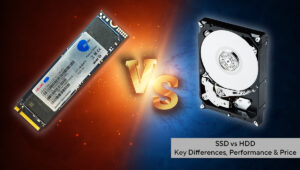
Is 256GB Enough for a Student?
256GB can be enough for some students.
If your work mostly involves Word documents, PDFs, presentations, web browsing and cloud-based services, 256GB can handle the basics.
However, remember that the advertised capacity is not the same as the free space you will see after installing the operating system and applications.
A 256GB laptop can therefore become restrictive if you install many large applications, keep lots of videos locally or work with large creative projects.
For a student who wants to keep a laptop for several years, I would think carefully before choosing 256GB simply to reduce the initial purchase price.
Our detailed guide on 256GB SSD vs 512GB SSD goes deeper into the difference between these two capacities.
Is 512GB Better for Students?
For many students, 512GB is a comfortable middle ground.
It gives you considerably more room for applications, coursework, media, development projects and personal files without jumping immediately to the cost of a 1TB machine.
The current MacBook Air starts at 512GB, which is a useful change for students considering a new Mac. Apple says the M5 MacBook Air now starts with 512GB of storage and can be configured up to 4TB. Apple’s announcement explains the current MacBook Air storage configurations.
For a Windows laptop, 512GB is also widely available across different price categories.
If your budget allows it, 512GB is often a more comfortable starting point than 256GB for a student who plans to keep the laptop for several years.
Should You Buy a 1TB Laptop?
A 1TB SSD makes more sense when you regularly work with large files.
Video editing students, photographers, designers, developers with large project libraries and students who keep lots of media locally can benefit from the additional space.
Gamers may also appreciate 1TB because modern games can consume a significant amount of storage.
However, you should not automatically pay for 1TB simply because a larger number sounds better. If your university work consists mainly of documents, browser-based applications and cloud storage, the extra capacity may sit unused.
Cloud storage can also extend the usefulness of a smaller SSD. Services such as OneDrive and other cloud platforms allow you to keep some files online instead of storing everything locally.
If you want to understand why cloud storage can be useful for students, read our guide on why cloud storage can be useful for students.
MacBook Air vs Windows Laptop: What About Software Compatibility?
This is one of the most important questions to answer before buying.
Do not purchase a laptop first and check your course requirements afterward.
Instead, check your university’s recommended software. If your department requires a Windows-only application, a Windows laptop may be the simpler choice.
On the other hand, if your required applications run properly on macOS and you value Apple’s hardware ecosystem, a MacBook Air can work very well.
Students should also consider accessories. MacBook Air uses USB-C and Thunderbolt connections, so you may occasionally need an adapter or hub depending on your devices and classroom equipment.
What About RAM?
Storage and RAM are not the same thing.
Storage holds your files and applications. RAM helps the computer manage active applications and tasks.
A student should therefore avoid choosing a laptop based only on SSD capacity.
For many ordinary student workloads, 8GB RAM can handle basic tasks, but 16GB gives you more room for multitasking and demanding applications. Microsoft’s current student laptop guidance places students around the 8GB to 16GB+ range depending on their needs.
If you regularly use dozens of browser tabs, development tools, design applications, virtual machines or other demanding software, more RAM can become increasingly useful.
Referral Resources for Students
A laptop becomes much more valuable when you use it to build practical skills.
If you are interested in learning affiliate marketing, you can explore this Ultimate Affiliate Sales Formula Course. Another option is this course on how to succeed in affiliate marketing.
Students interested in freelancing can also look at these Freelancing Courses.
If you want a broader collection of learning resources, you can explore these 100+ digital courses.
For students interested in building businesses, a business plan course may also be worth exploring.
These links are affiliate/referral links, so I may earn a commission when a purchase is made through them. You should always review the course description, price, syllabus and seller information before buying.
MacBook Air or Windows Laptop: What Should You Check Before Buying?
Regardless of which operating system you choose, check these specifications before paying.
- Processor: Choose a processor appropriate for your course and workload.
- RAM: 8GB can cover lighter work, while 16GB gives you more breathing room for multitasking.
- Storage: 512GB is a comfortable target for many students, while 1TB makes more sense for large files and demanding workloads.
- Display: Look for a sharp, comfortable screen because you may spend several hours reading and writing.
- Battery: Consider how long you normally spend away from a power outlet.
- Keyboard: Students who write assignments frequently should not underestimate keyboard comfort.
- Weight: A lighter laptop can make daily campus movement easier.
- Ports: Check whether the laptop has the ports you actually need.
- Operating system: Confirm that your course software works properly.
- Warranty and seller: Consider where the laptop came from and what support is available if something goes wrong.
If you are buying a laptop for a specific career path, Infolandia also has guides covering video editing requirements, web development requirements and cybersecurity requirements. Although those articles focus on phones, the same principle applies: your workload should determine your hardware requirements.
So, Which Is Better for Students?
There is no single laptop that is right for every student.
A MacBook Air can make sense if you want a lightweight premium laptop, strong battery life, Apple’s ecosystem and a straightforward hardware lineup. The current M5 MacBook Air also starts at 512GB storage, which makes the entry configuration more practical for students who need local space.
A Windows laptop can make more sense if you want more choices across different budgets, need Windows-specific software, want a touchscreen or 2-in-1 design, or need a wider selection of gaming and specialized hardware.
For storage, 256GB is suitable for lighter users, 512GB is a strong middle-ground choice for many students, and 1TB becomes more useful for students who regularly handle large files.
The most important thing is to match the laptop to your actual workload rather than buying based purely on brand reputation.
Before making a final decision, compare the laptop’s processor, RAM, SSD, display, battery, weight, software compatibility and warranty. A cheaper laptop with the right specifications can be more useful to a student than an expensive machine that does not fit the student’s course or workflow.
Final Thoughts
The MacBook Air vs Windows laptop debate does not have to be about which brand is universally better.
For students, the better question is: which computer fits my course, budget, software requirements and daily routine?
Once you answer that question, the choice becomes much easier.
Storage deserves the same attention. If you only need a laptop for documents and browsing, 256GB may work. If you want a machine that can comfortably handle several years of schoolwork, applications and personal files, 512GB provides more breathing room. Students working with video, design, development projects or large media libraries should consider 1TB or more.
And remember that your laptop is more than a device for submitting assignments. Used properly, it can become a tool for learning programming, developing digital skills, freelancing, creating content, studying online and building a career while you are still in school.
For more laptop buying advice, continue with our best laptops to buy in Nigeria guide, or compare storage in more detail with our 256GB SSD vs 512GB SSD guide.